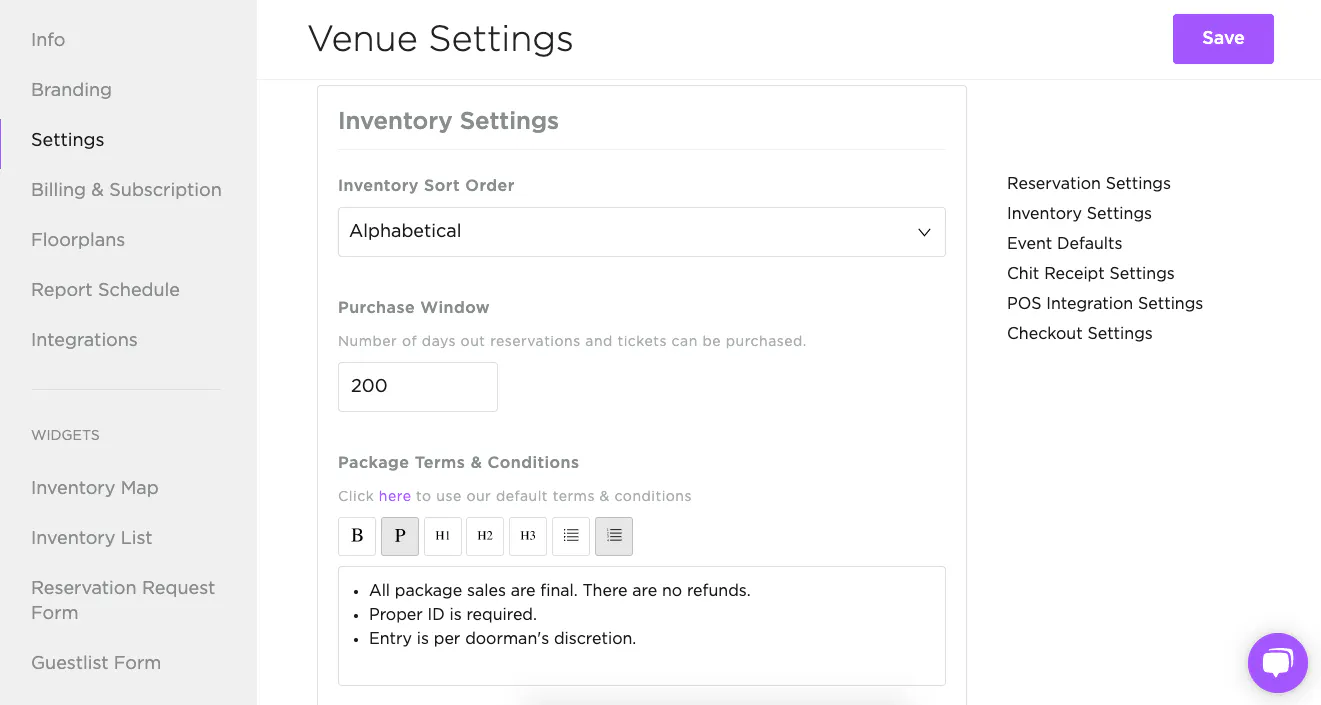
Under Inventory Settings, configure the following:
- Purchase window (how many days in advance reservations and tickets can be bought)
- Package terms and conditions
- Package/table tax
- Package/table tip
- Package/table fees
- Ticket terms and conditions
- Ticket tax
- Default ticket fees
We recommend filling out every field.
Any fees you set here will automatically apply to table reservations that come in through payment links, or get added to packages in your inventory list.
For example, if you send a payment link for a $1,000 minimum (full payment), the default tax, service charge, and fees from your venue settings will be added. Same goes for inventory sold on Tablelist, your website, or an event page -- the default tax, service charge, and fees get applied at checkout based on the minimum.