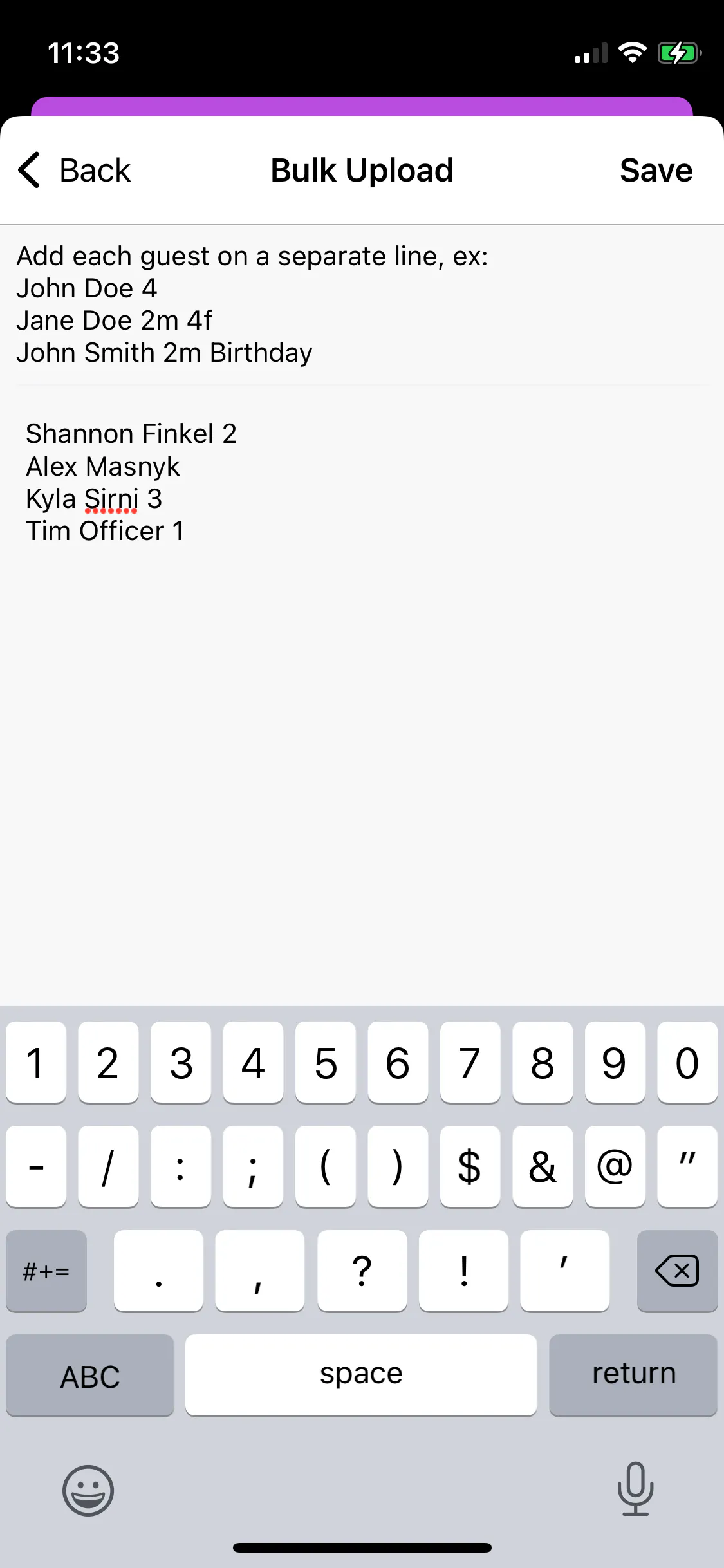
To bulk-add guests on the TablelistPro mobile app, tap the Admissions tab, press Add Guest List, tap Bulk Add Guests, paste your list in the proper format, and press Save.
The default attribution for all guests will be whoever is logged in and doing the upload.
The "guest count" refers to the number of additional guests the customer is bringing.
-
For example, if Tim Officer has 2 total guests in his party, type:
Tim Officer 1
This means Tim + 1 guest = 2 total.
-
If Tim Officer is coming solo, just type:
Tim Officer