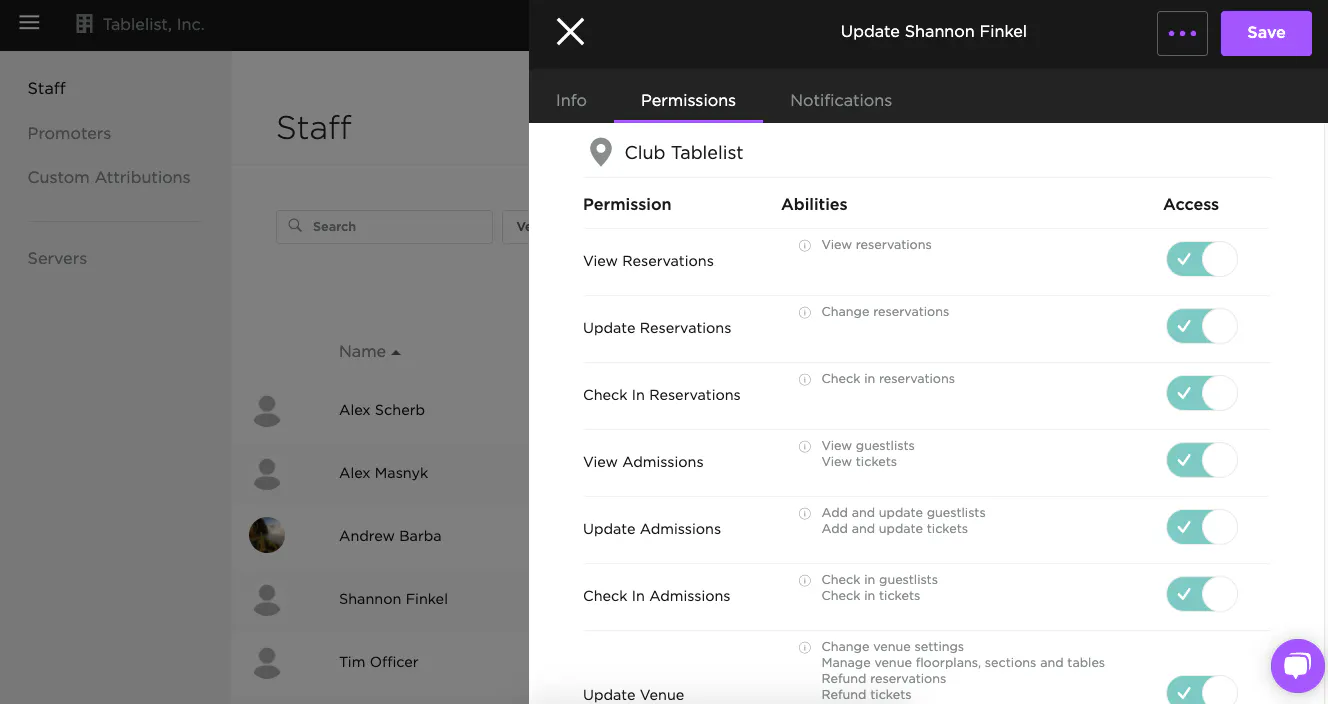
Control what your staff members can see and do in TablelistPro with permissions.
To set permissions on the web, open the sidebar, click Organization, then click the employee's profile.
Under Permissions, toggle the buttons to grant or restrict access.