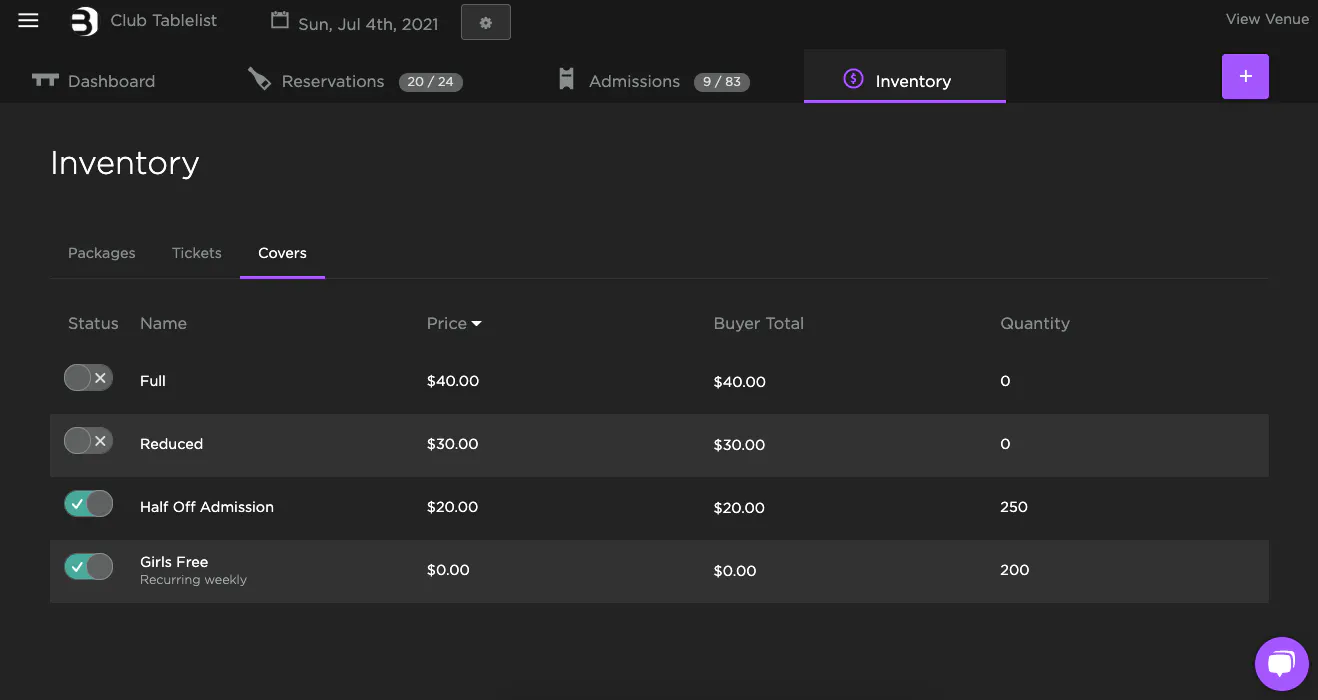
Recurring Inventory lets you set up Packages and Tickets that repeat weekly -- so you don't have to recreate them every time.
When adding inventory, set the Frequency to Weekly and check the days you want it to repeat. You can set an optional end date or leave it blank to repeat indefinitely, then click Save.
You can always edit a specific week's inventory (e.g., if you're hosting a special event on a day that normally has recurring inventory).
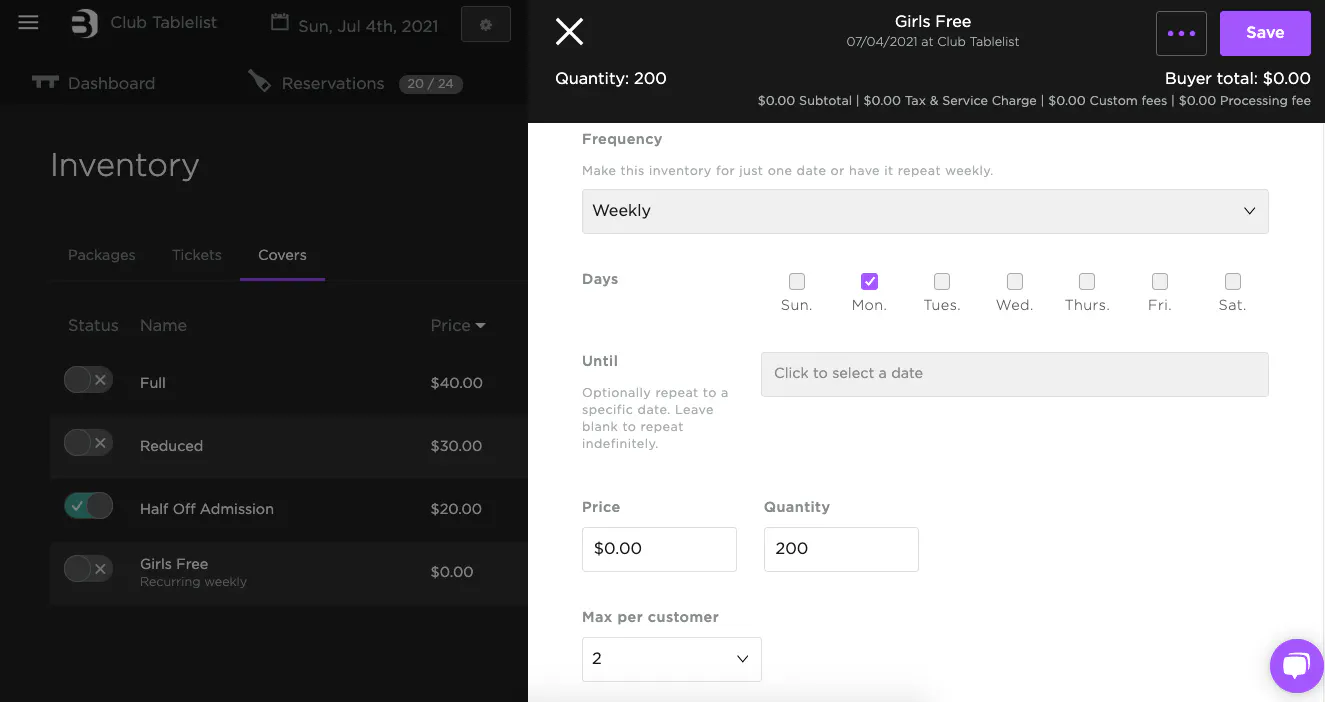
Once saved, the inventory will show as Recurring Weekly in TablelistPro.