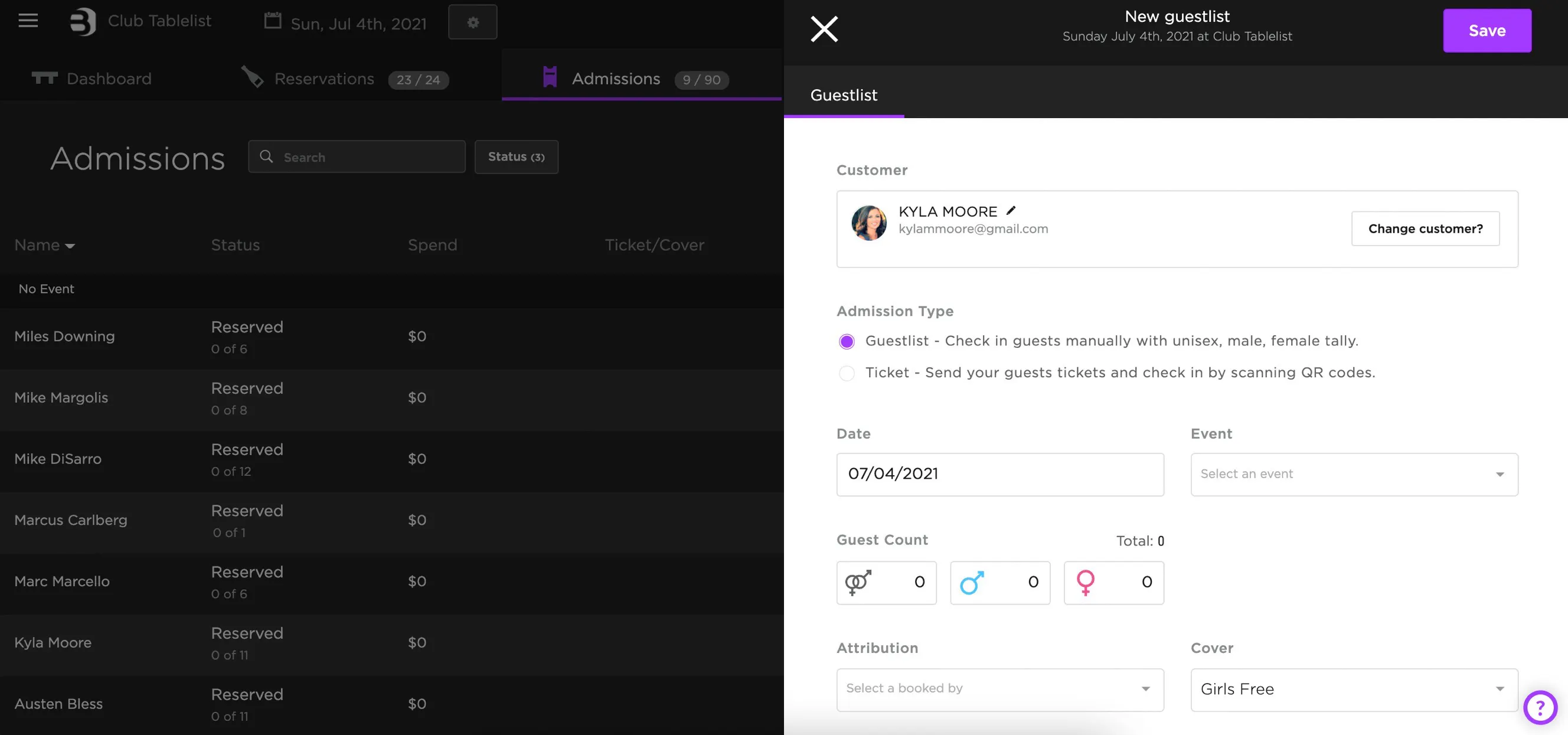
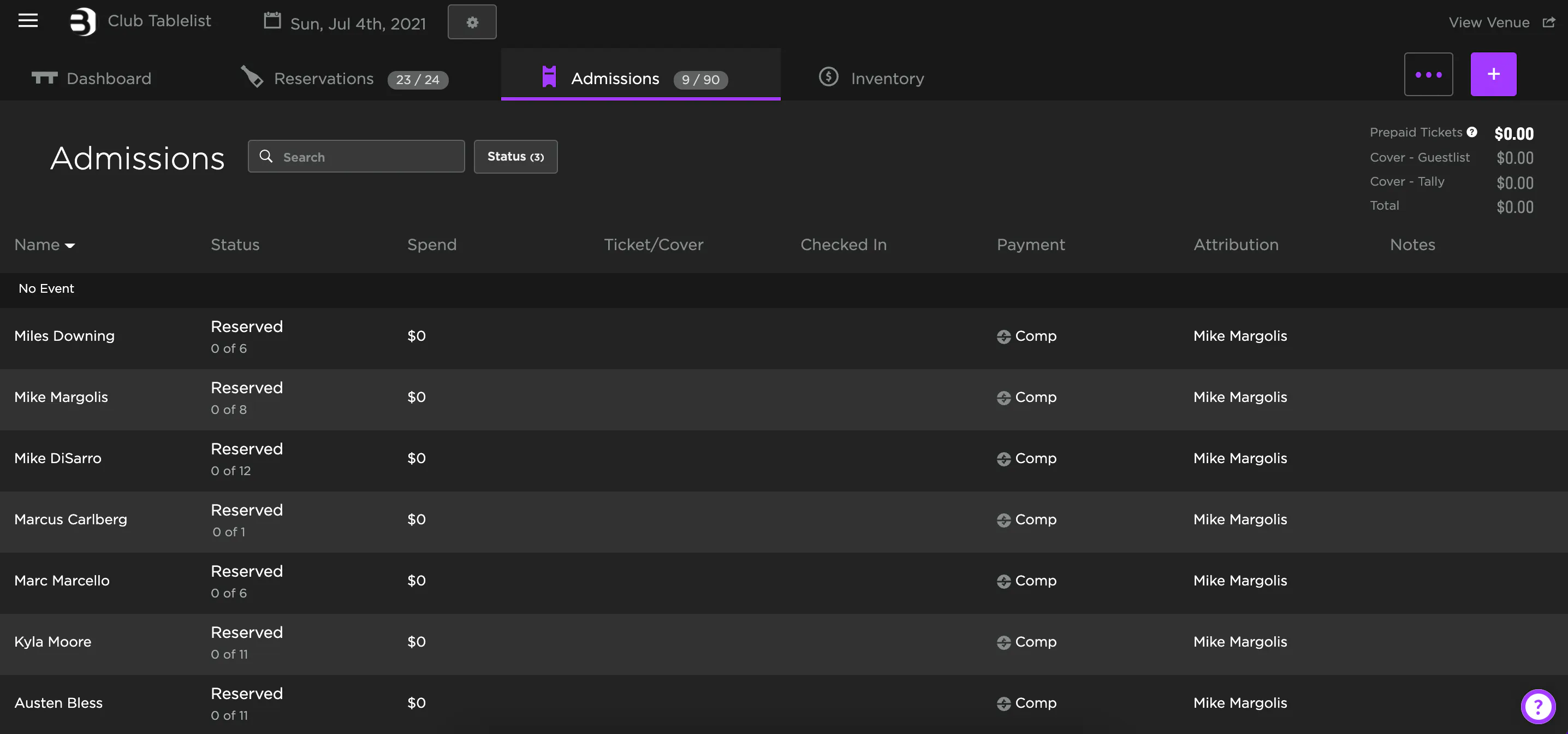
To add a ticket or guest list on the web, open the sidebar, click Manage, select the date, click Admissions, then click the purple plus sign on the right.
Under Guestlist, search for the customer's name. If they've been to your venue before, their info will auto-populate.
If they're new, click the purple New button, fill in name, phone number, and email, then press Save.
Once you've selected the customer, fill out the remaining fields -- date/event, guest count, and cover type. When everything looks good, press Save.