Fast Pass is the fastest way to take payments in advance. Customers skip the line by purchasing cover, tickets, or VIP tables directly from their phones. No special hardware needed, and they don't have to create an account.
On the web, select the date at the top, go to the Inventory tab, then click Packages, Tickets, or Covers (depending on what you need). Look for the Fast Pass column on the right.
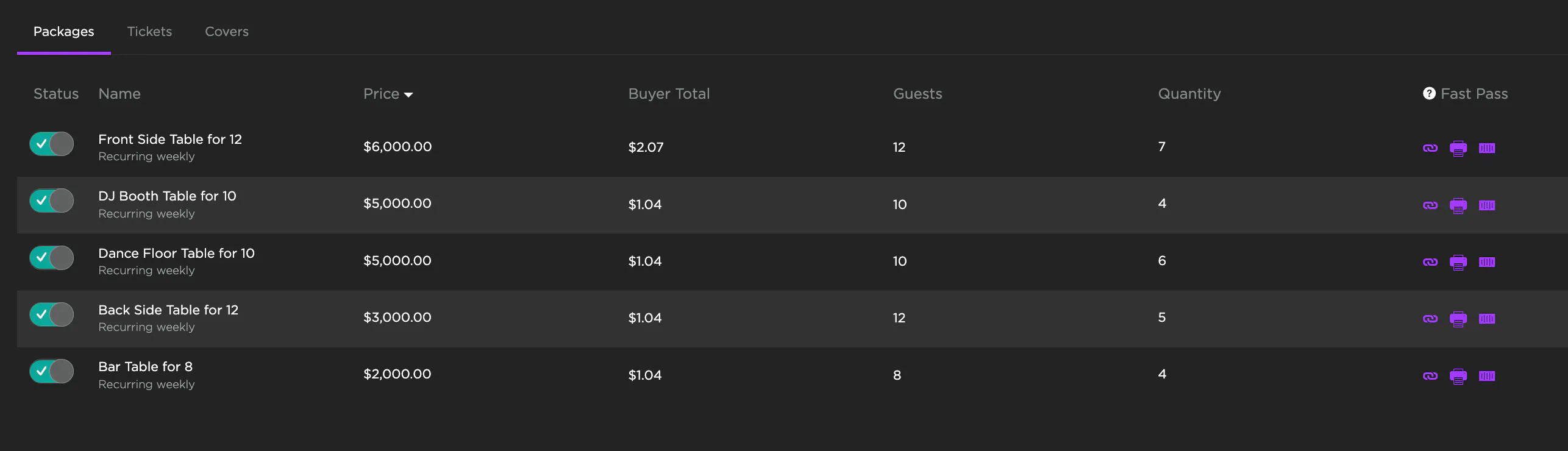
Each inventory item has a Fast Pass link. Copy the link, print it, or generate a QR code to send to the customer. It takes them straight to checkout where they can pay with their digital wallet.
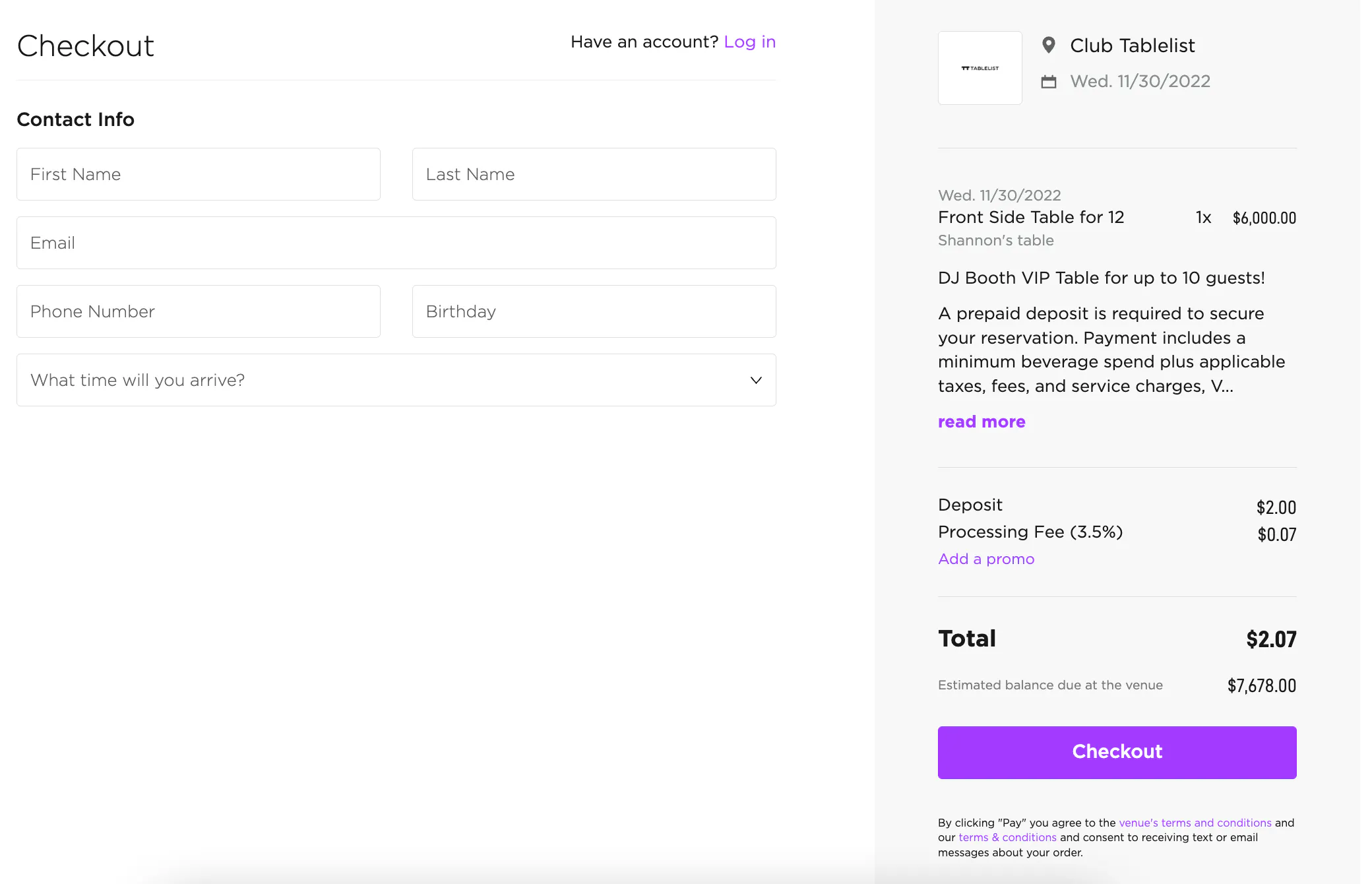
If the customer bought a ticket, it shows up on their phone's browser instantly for entry.
If they bought a VIP table, the reservation gets added to the system immediately with a green Deposit button confirming payment.