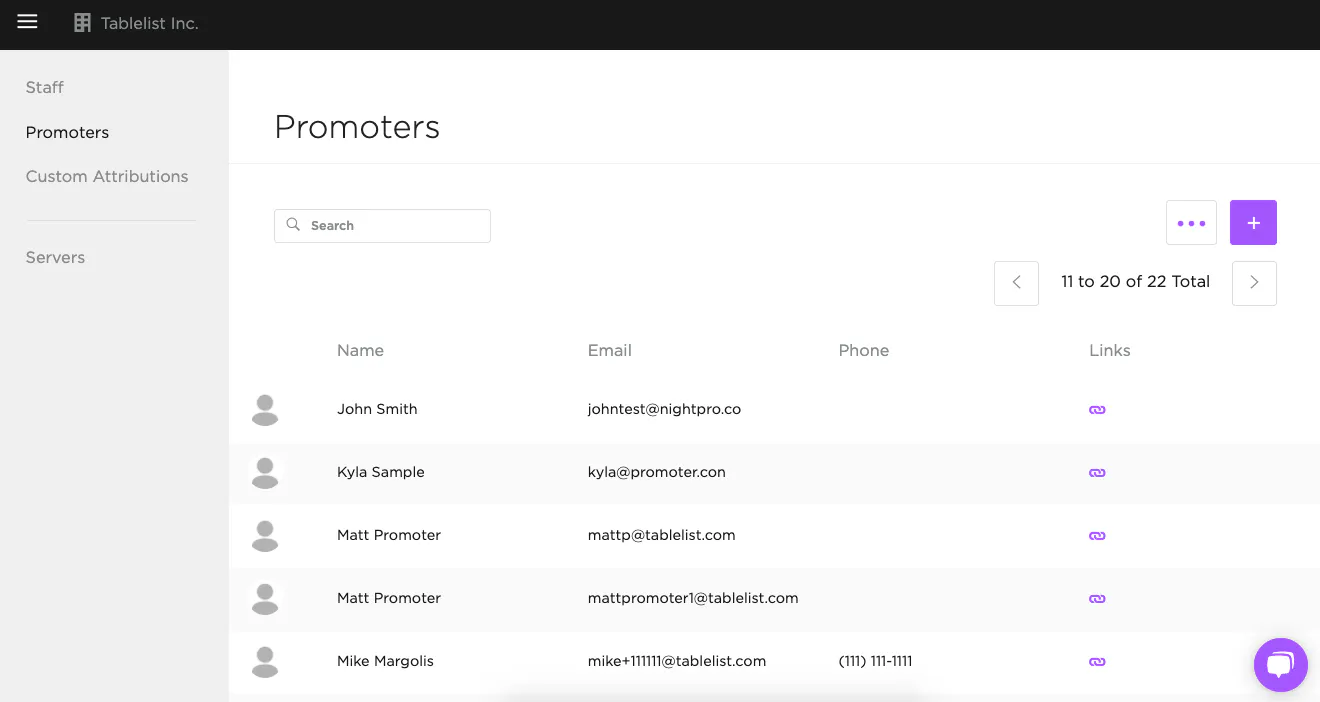
To add a promoter, open the sidebar, click Organization, click Promoters, then click the purple plus sign on the right.
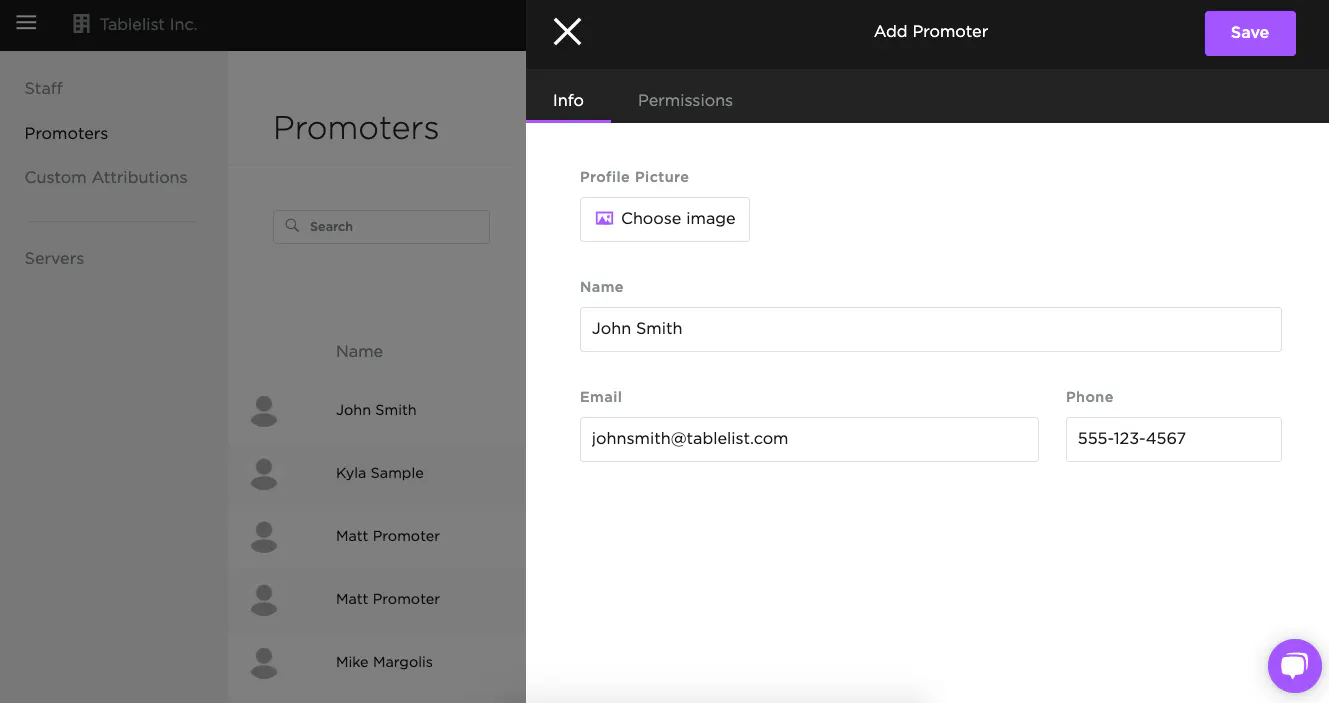
In the box that appears, under Info, fill in:
- Name
- Email address
- They'll get an invite from TablelistPro to set their password and log in
- Phone number
- Profile picture
You must set their permissions before they can access TablelistPro. Head to Choosing Promoter Permissions for details.
They'll receive an email to set their password once you save.