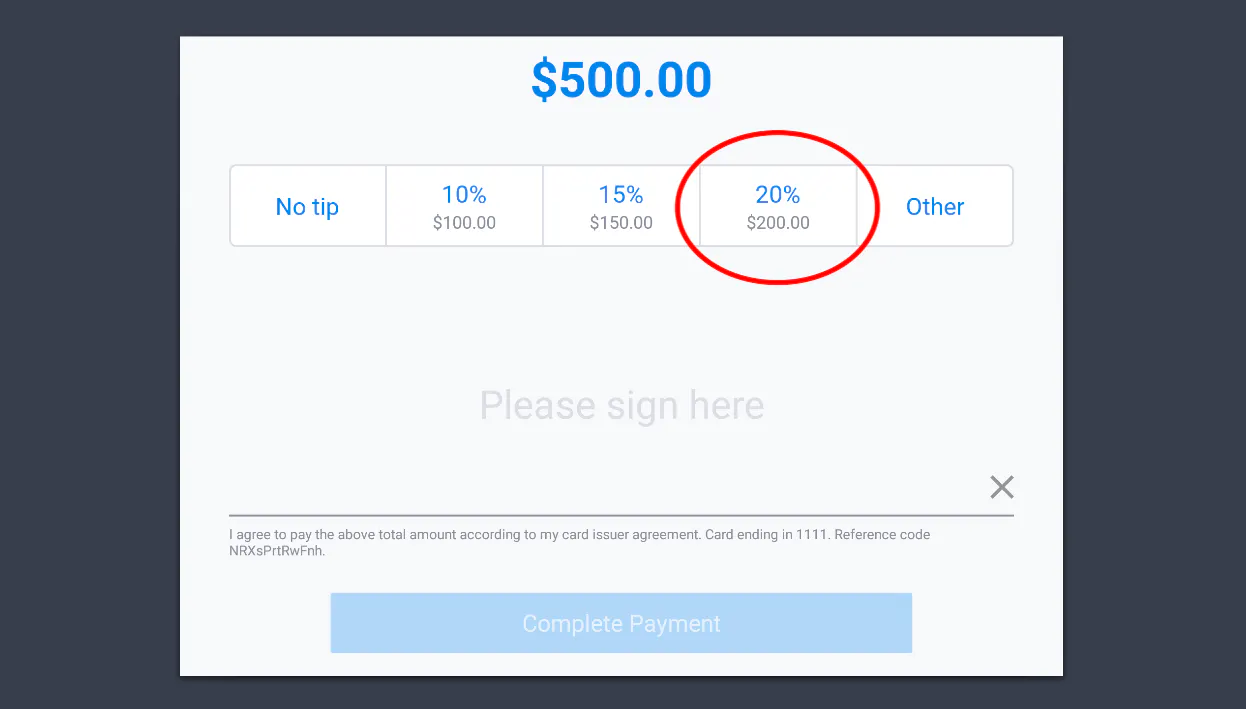
When a guest has completed their event or is paying for a table that required an advance deposit through TablelistPro, use the payment option you created to subtract the deposit from the check total.
Depending on your settings, these steps may require manager-level permissions.
- Navigate to the order in Toast POS. Select Pay ($).
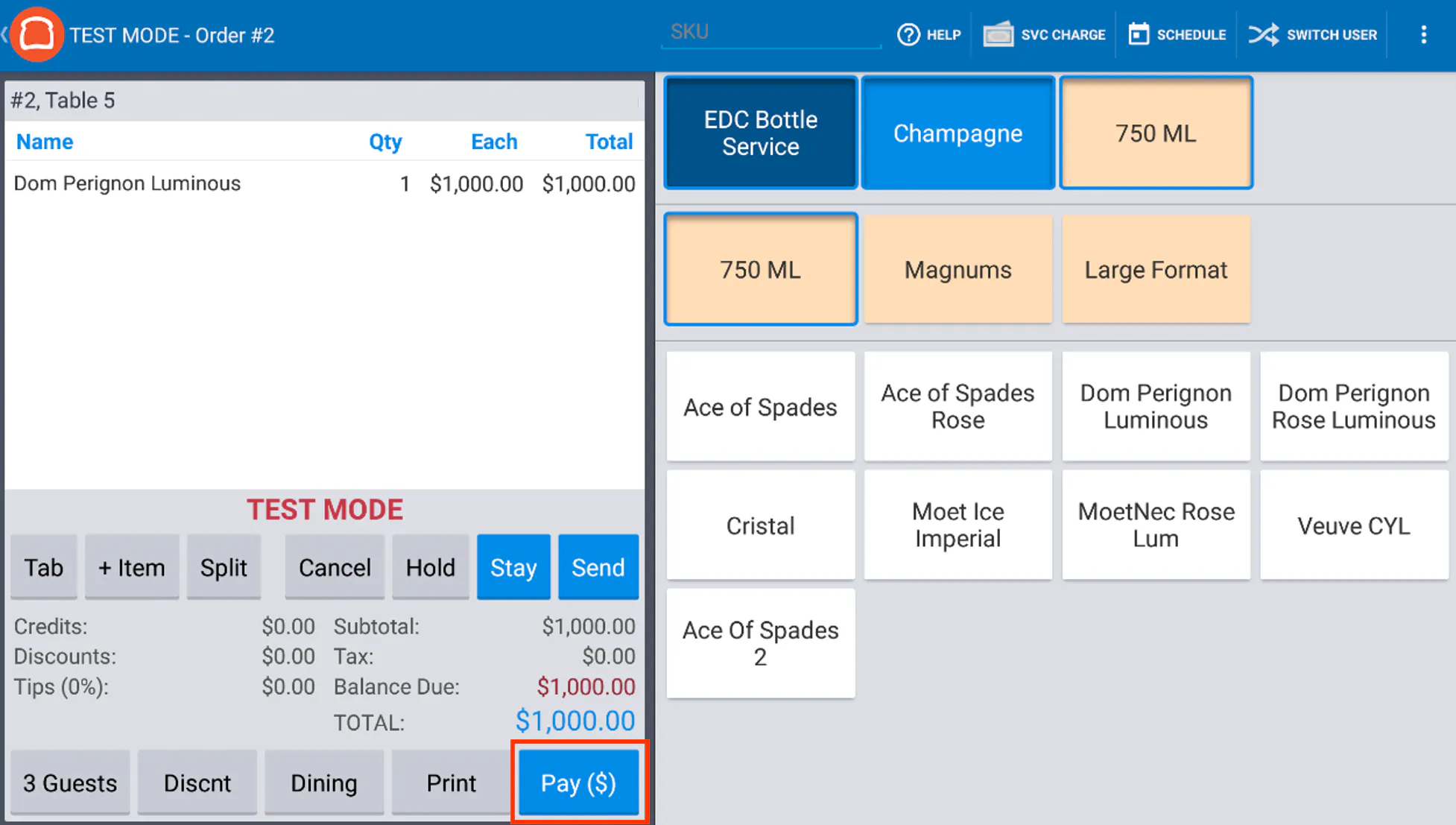
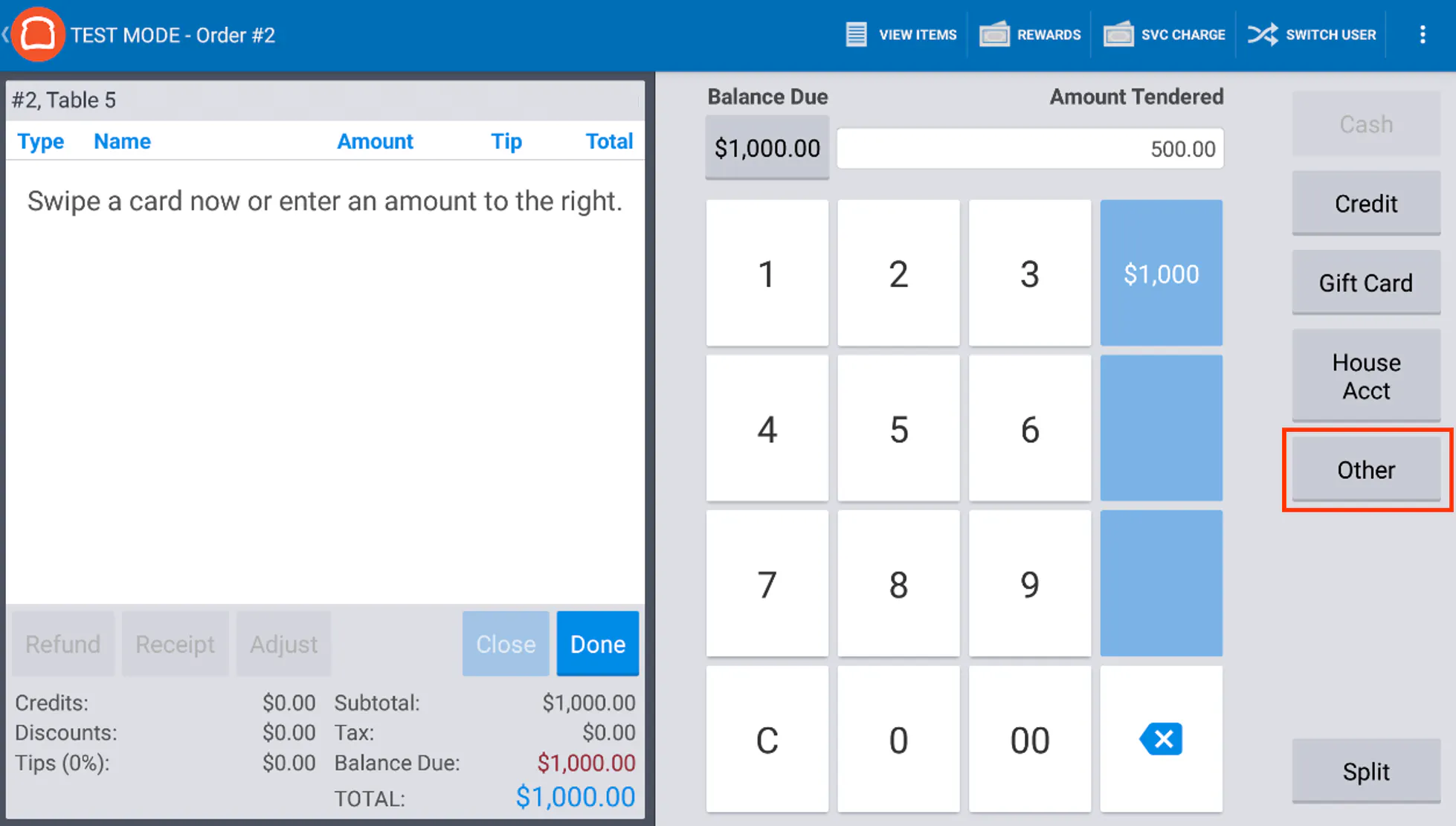
- Use the keypad to enter the deposit amount ($) in the Amount Tendered field. Then select Other.
-
Choose the appropriate deposit option from the list and select No Tip when prompted.
-
The deposit will appear on the payment screen. Use another payment method (cash or credit card) to close out the remaining balance.
-
When the guest enters a tip, the recommended tip amounts will be based on the pre-deposit check total.