Heads up: TablelistPro bookings can only be refunded within 48 hours after the reservation date. For example, a reservation booked for Friday, September 16th can be refunded through Sunday, September 18th. After that window, contact TablelistPro and we'll refund the customer on your behalf.
To cancel a reservation on the web, go to the Reservations tab, select the date at the top, and click the customer's name to open it.
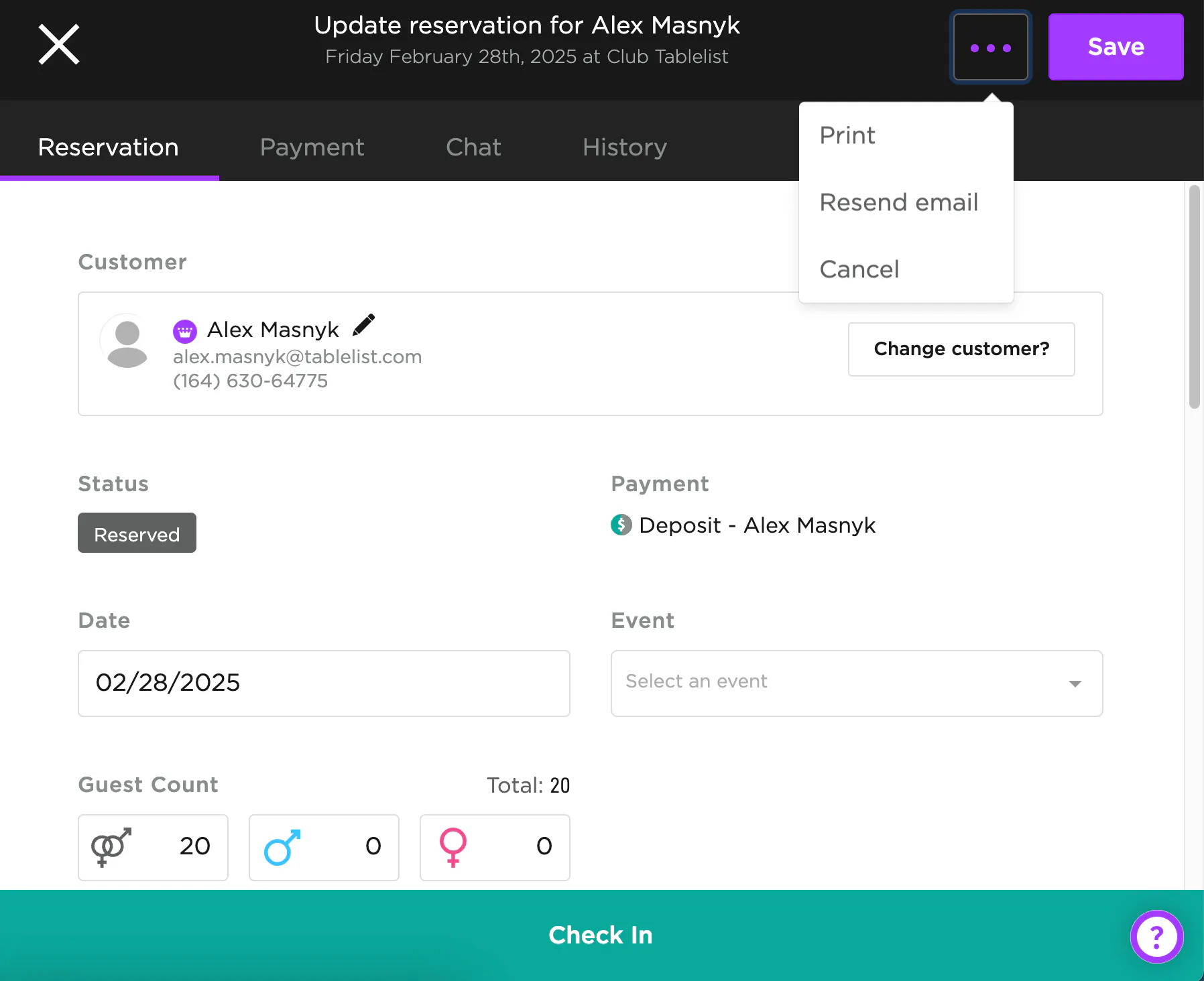
On the right side, click the three purple dots, then press Cancel.
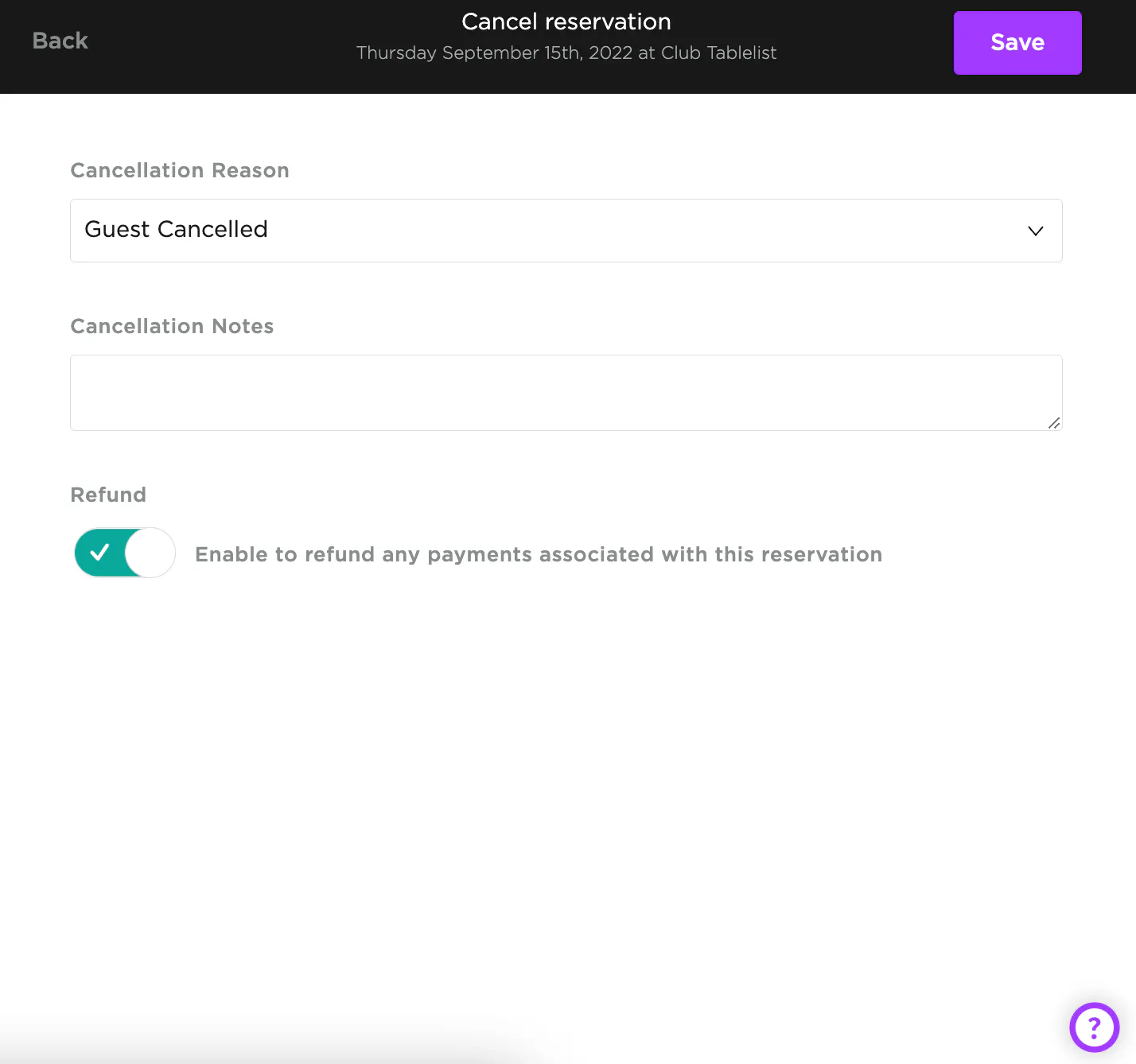
Provide a Cancellation Reason, fill in optional Cancellation Notes, decide whether to Refund the customer by toggling the button, then press Save.
If you refund the customer, they'll automatically get an email confirming the refund. Refunds typically take 1-3 days to hit their statement.