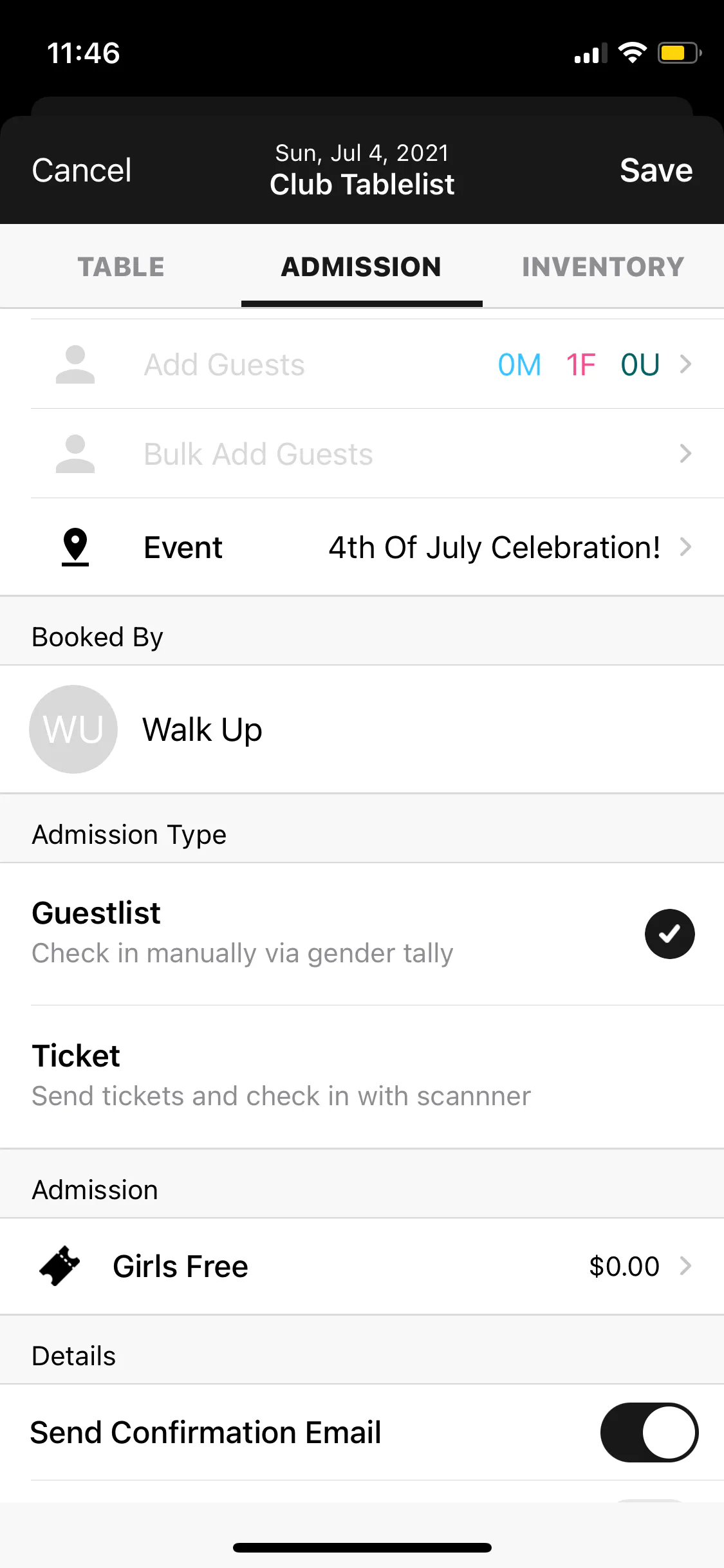
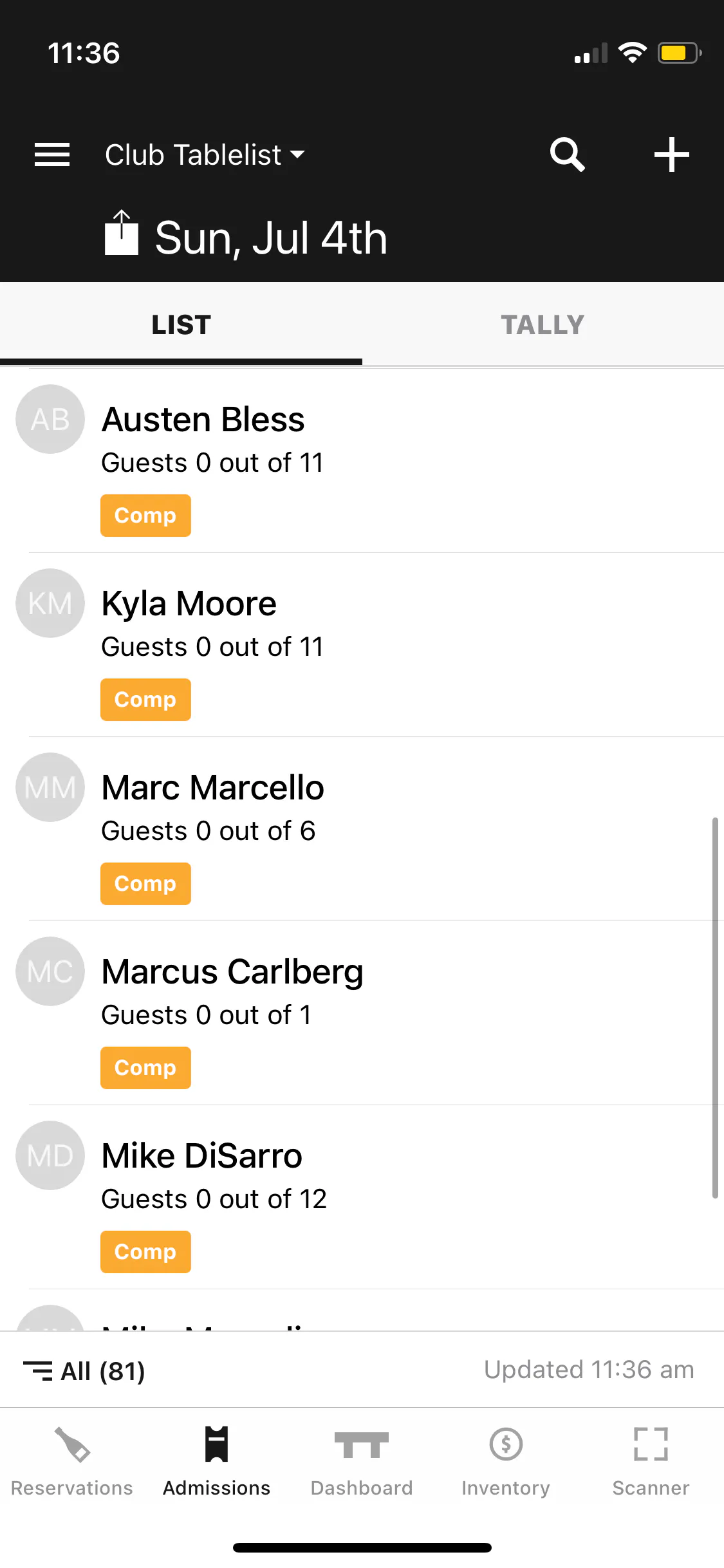
To add a ticket or guest list on the TablelistPro mobile app, tap the Admissions tab, select the date at the top, tap either List (for guest list) or Tally (for cover), then tap the plus sign in the top right.
Under Admission, tap the plus sign next to Add Customer. If they've been to your venue before, type their name and their info will auto-populate.
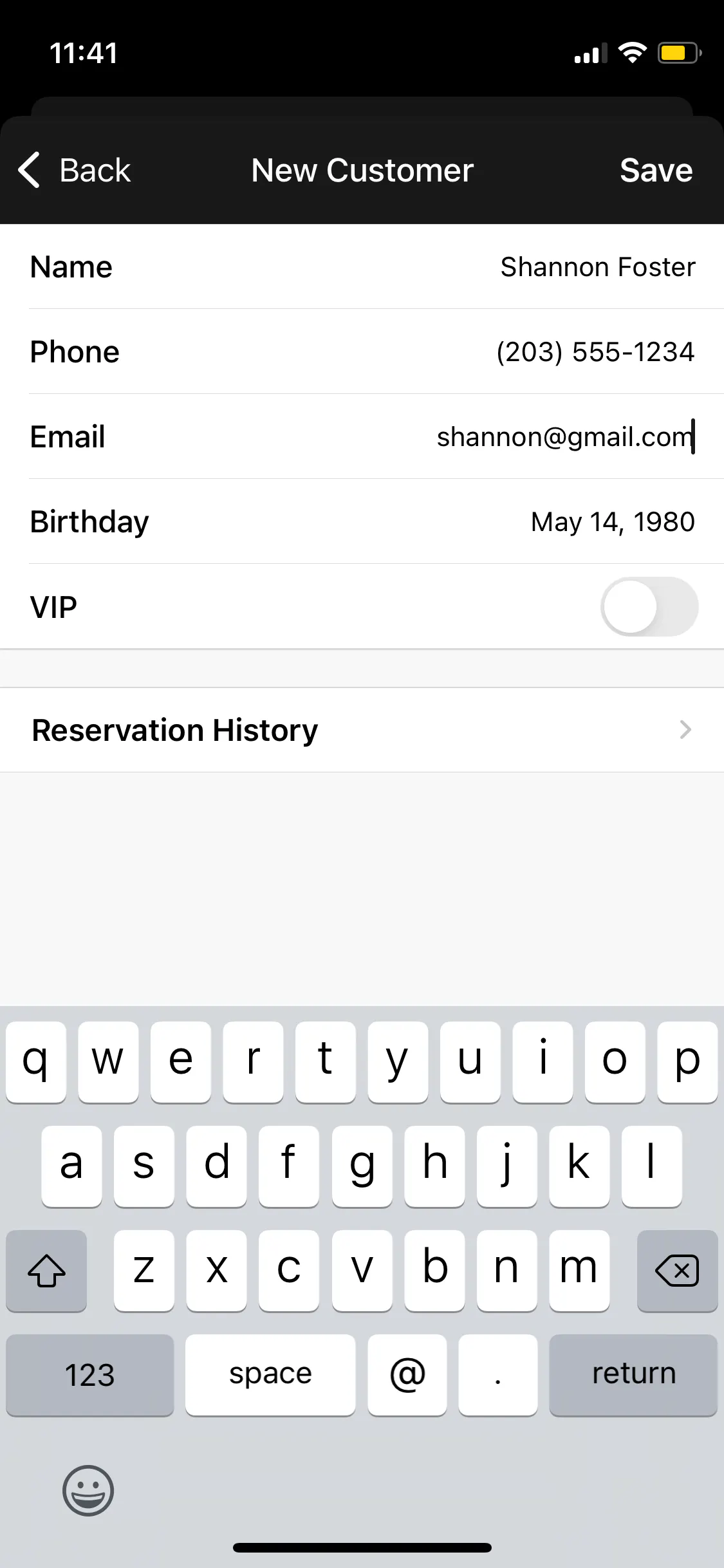
If they're new, press New, fill in name, phone number, email, and birthday, then press Save.
Fill out the fields on the Admission tab. You can always come back and add more later.
- Total Guests (male vs. female vs. unisex)
- Event Name
- Booked By
- Admission Type (guest list vs. ticket)
- Admission Cost
- Details
- Comped
- Notes
When you're done, hit Save.