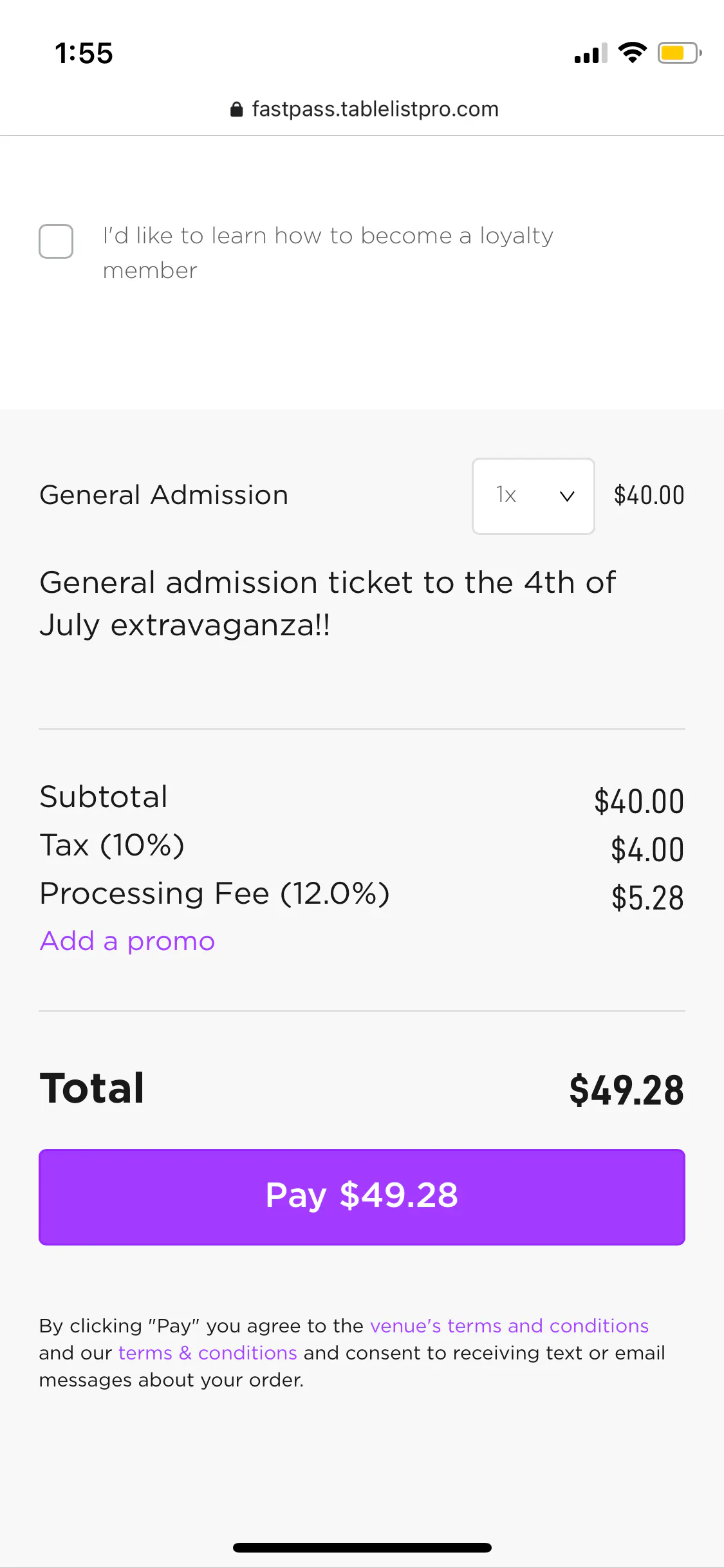
Fast Pass is the fastest way to take payments at the door. Customers skip the line by purchasing cover, tickets, or VIP tables directly from their phones. No special hardware needed, and they don't have to create an account.
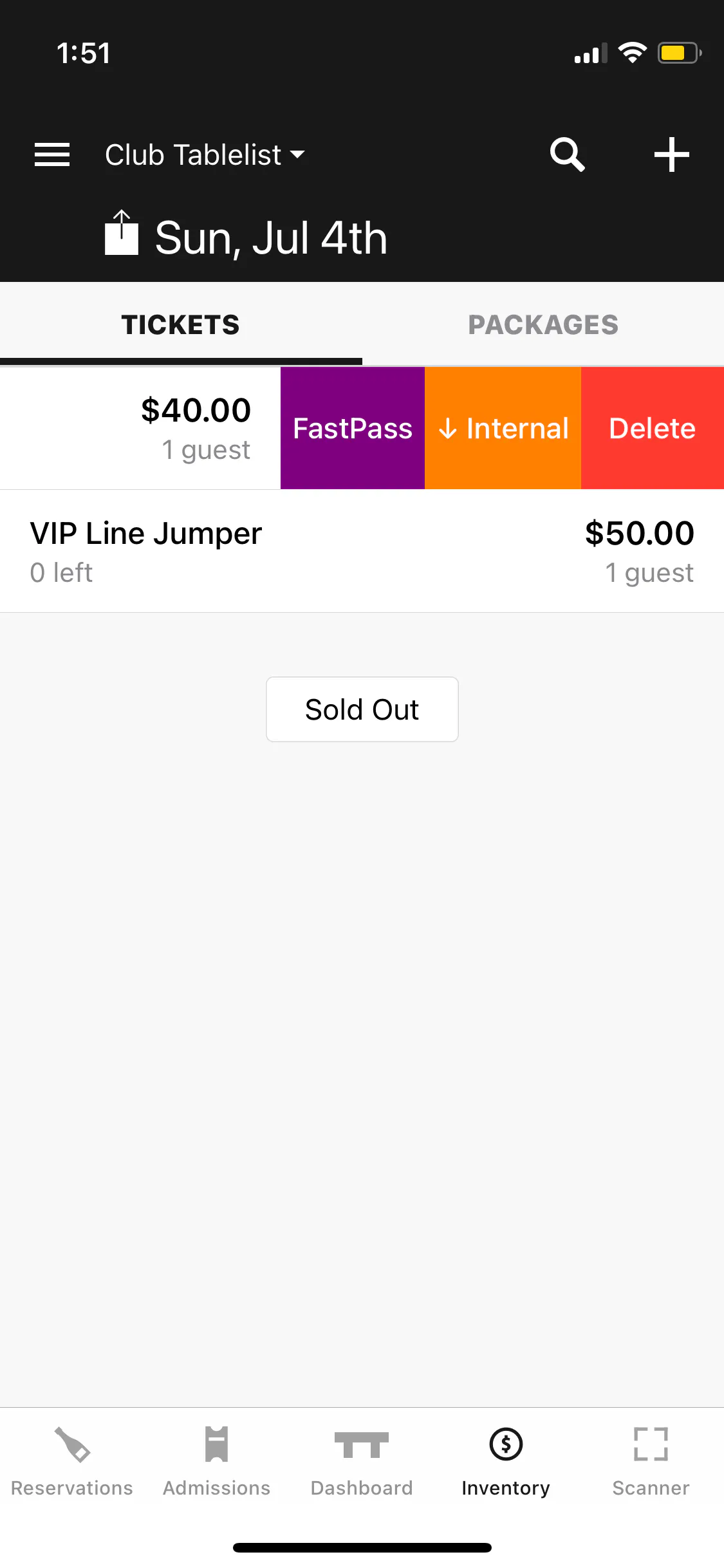
On the mobile app, select the date, tap Inventory, and find the ticket or package. Swipe left on the item and tap Fast Pass.
A QR code appears instantly.
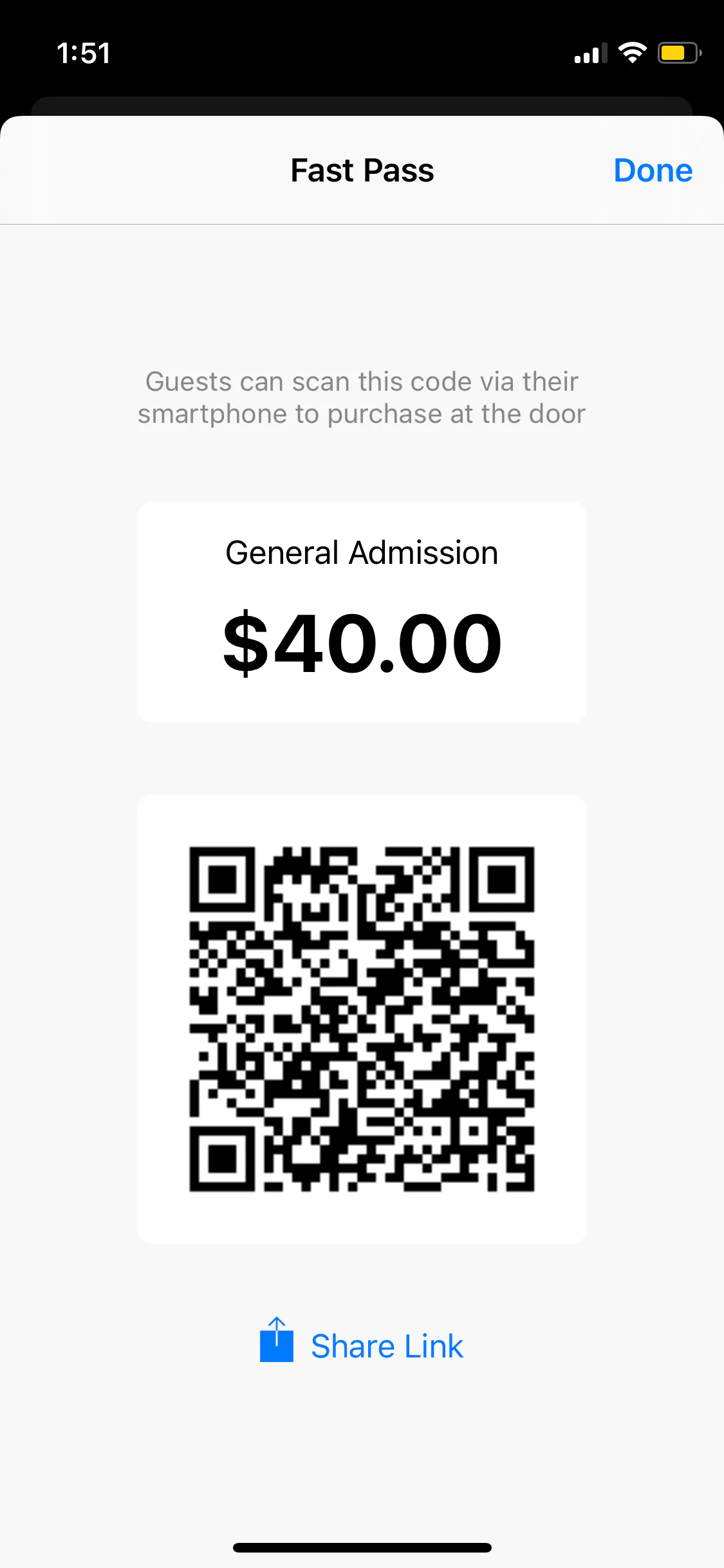
Share the link via text or email. If the customer is right there, have them point their camera at the code -- it takes them straight to checkout where they can pay with their digital wallet.
If they bought a ticket, it shows up on their phone instantly for entry.
If they bought a VIP table, the reservation gets added to the system immediately with a green Deposit button confirming payment.