Need to tweak a VIP table on a specific date without affecting the rest of your recurring inventory? Here's how on mobile.
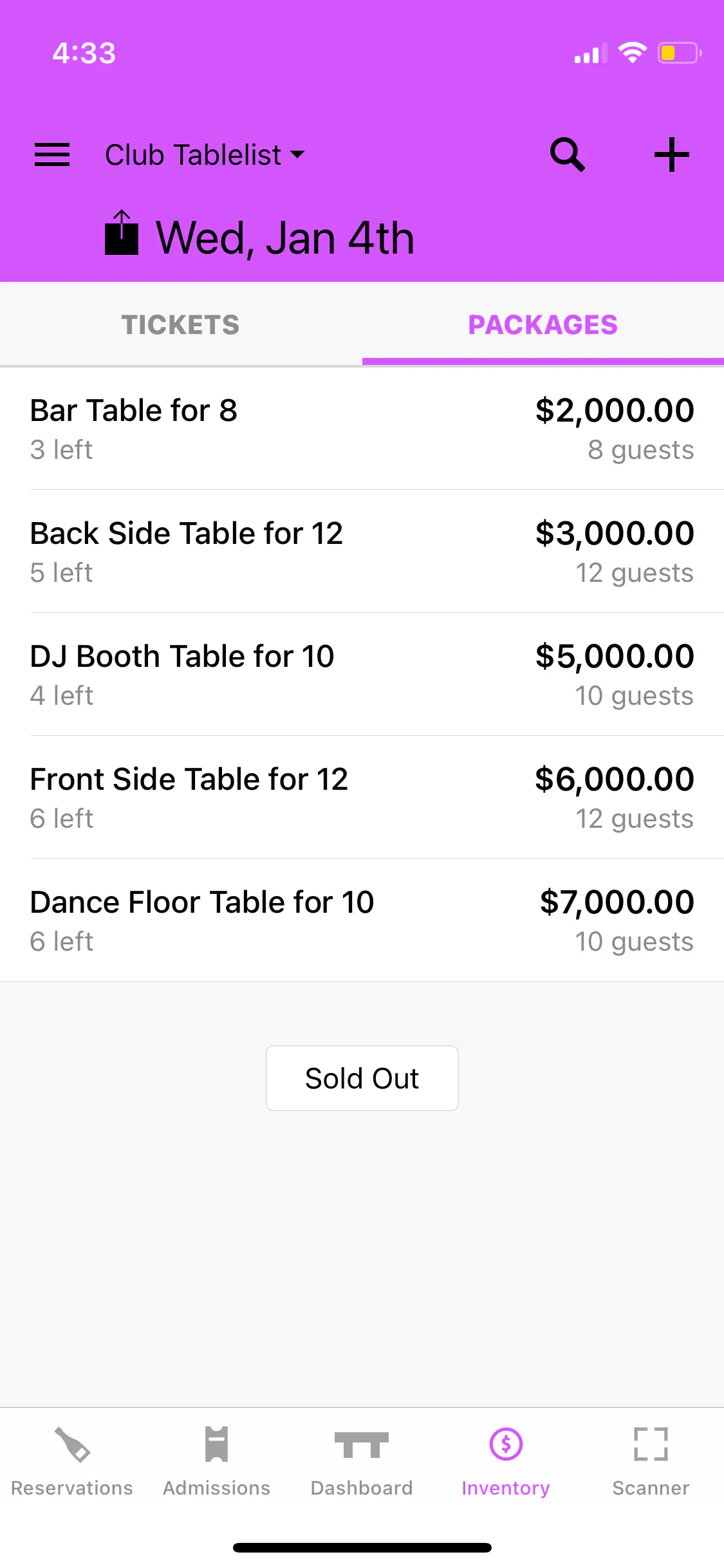
Open the TablelistPro app and select the date at the top. Go to the Inventory tab and tap Packages.
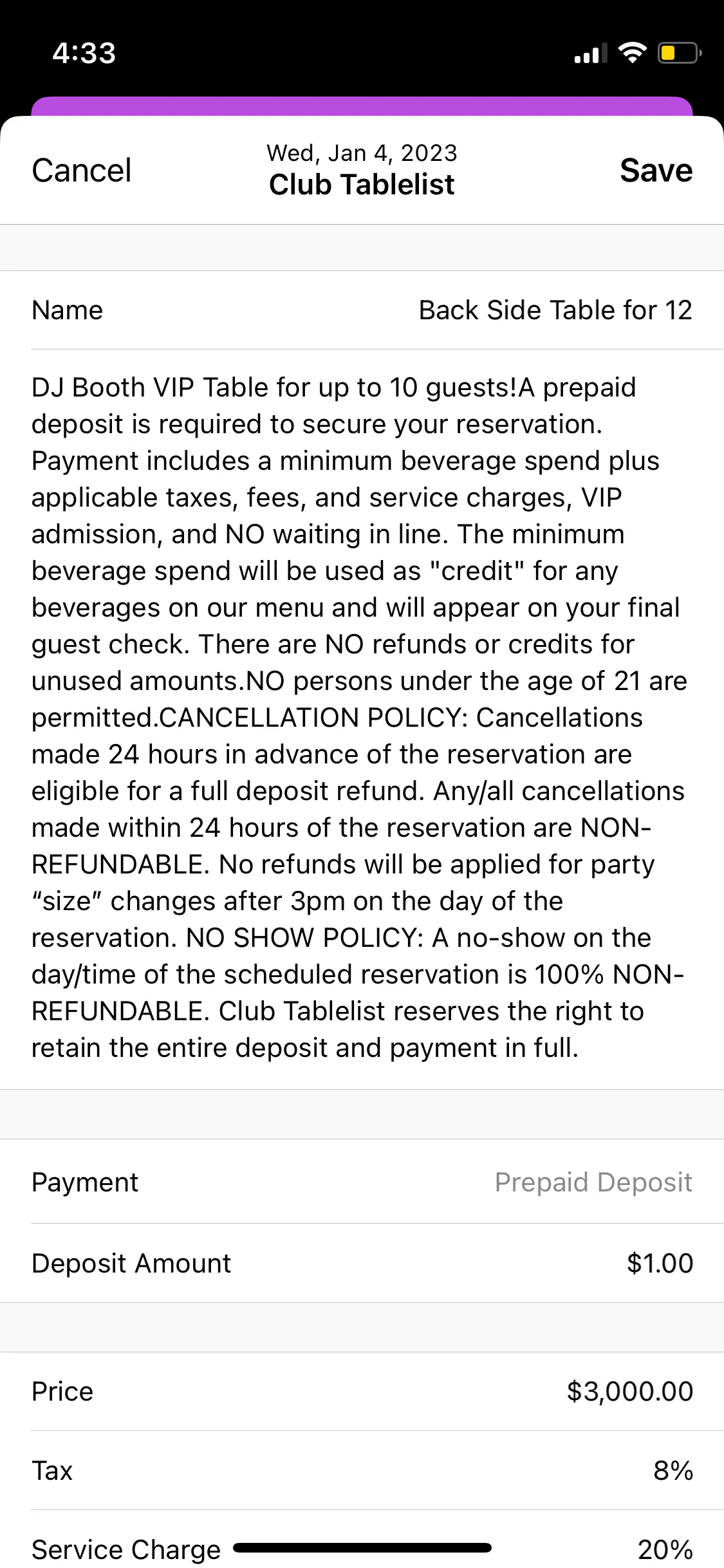
Tap the VIP table, make your changes, then press Save.
Unlike the web version, saving on mobile only affects the date you selected -- it won't apply to any other date.