To check in ticketed guests on the mobile app, tap Scanner in the bottom right and scan the customer's QR code.
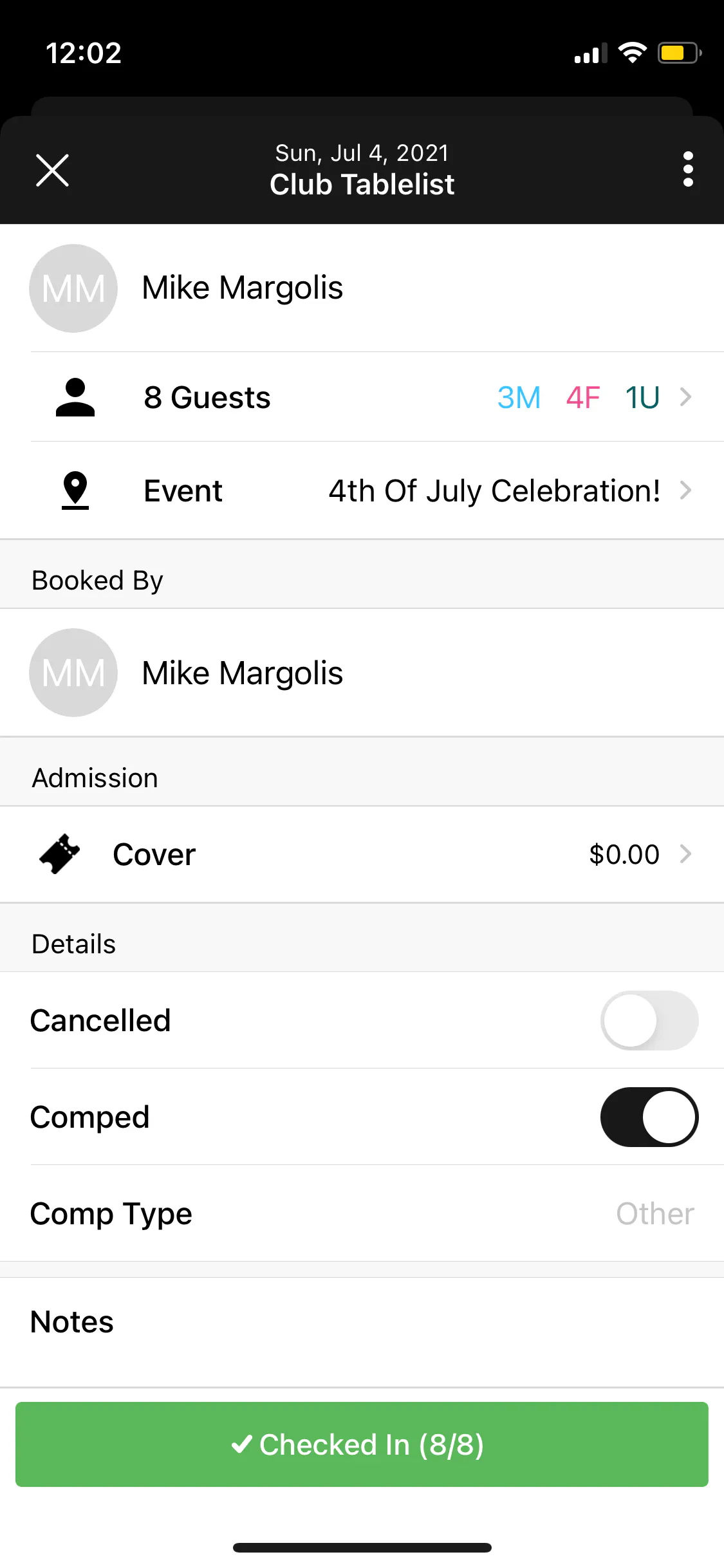
If the customer can't find their QR code or is on the guest list, go to the Admissions tab, tap the customer's name, then tap Check In.
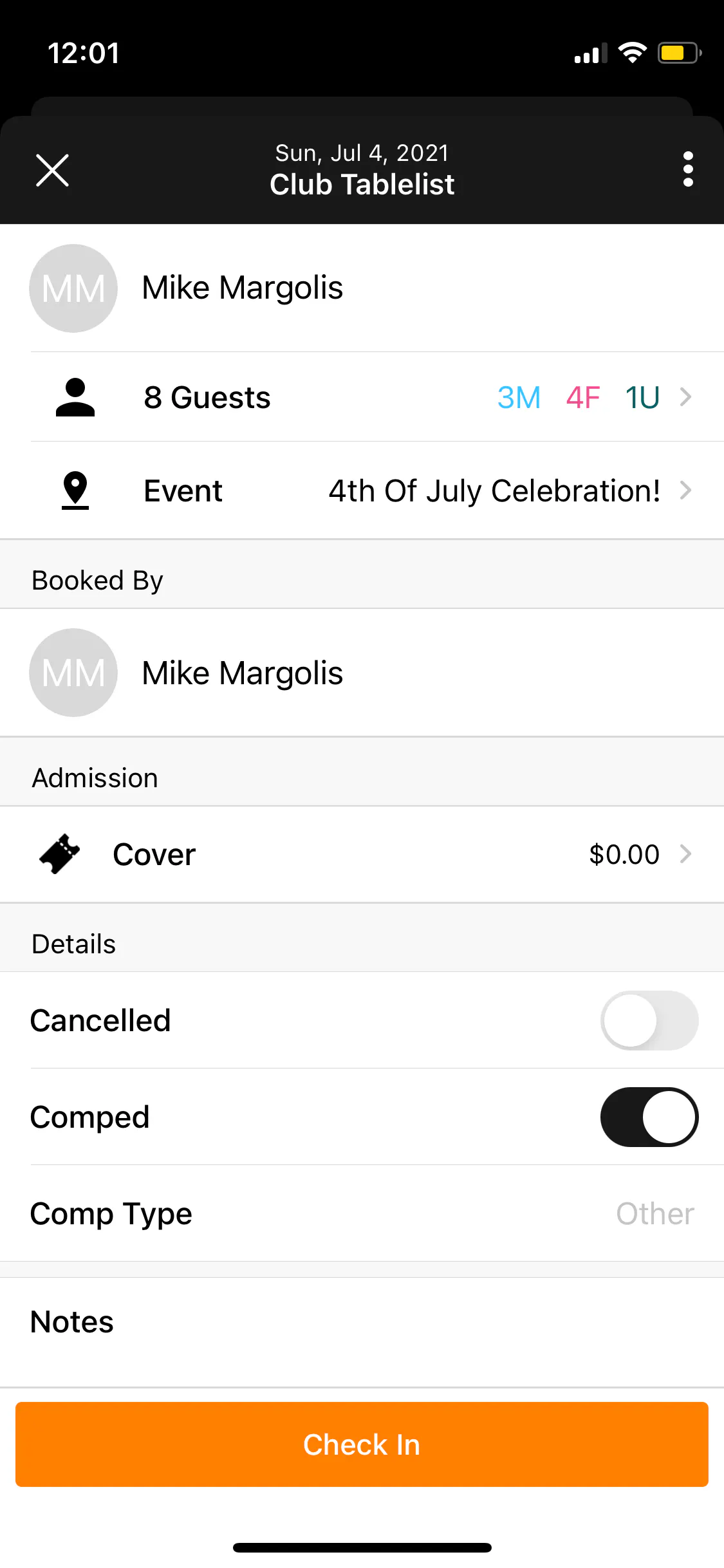
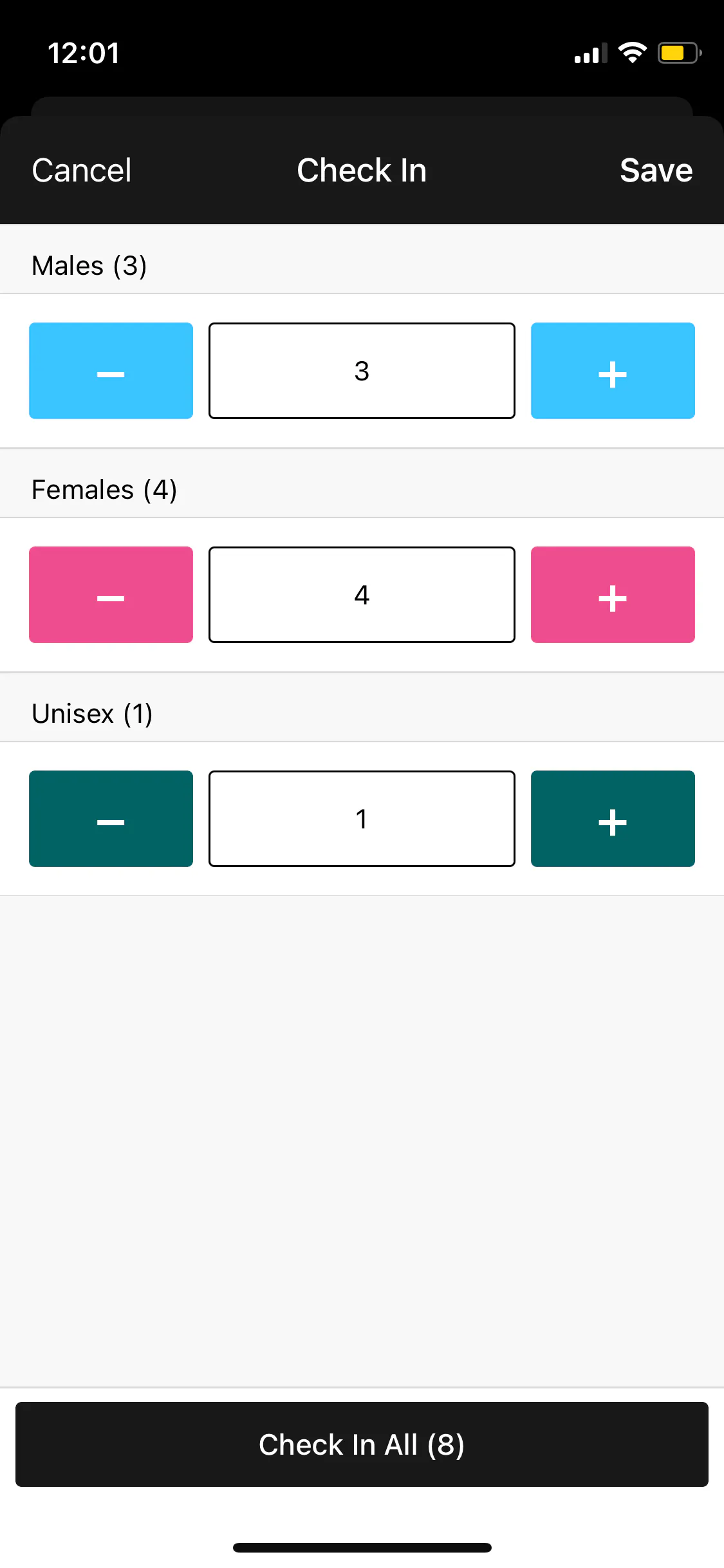
Select the number of guests (female vs. male vs. unisex) to check in, then press Save. You don't have to check in the whole party at once -- if some arrive later, you can check them in then.
If everyone's there, tap Check In All.
They're now checked in.