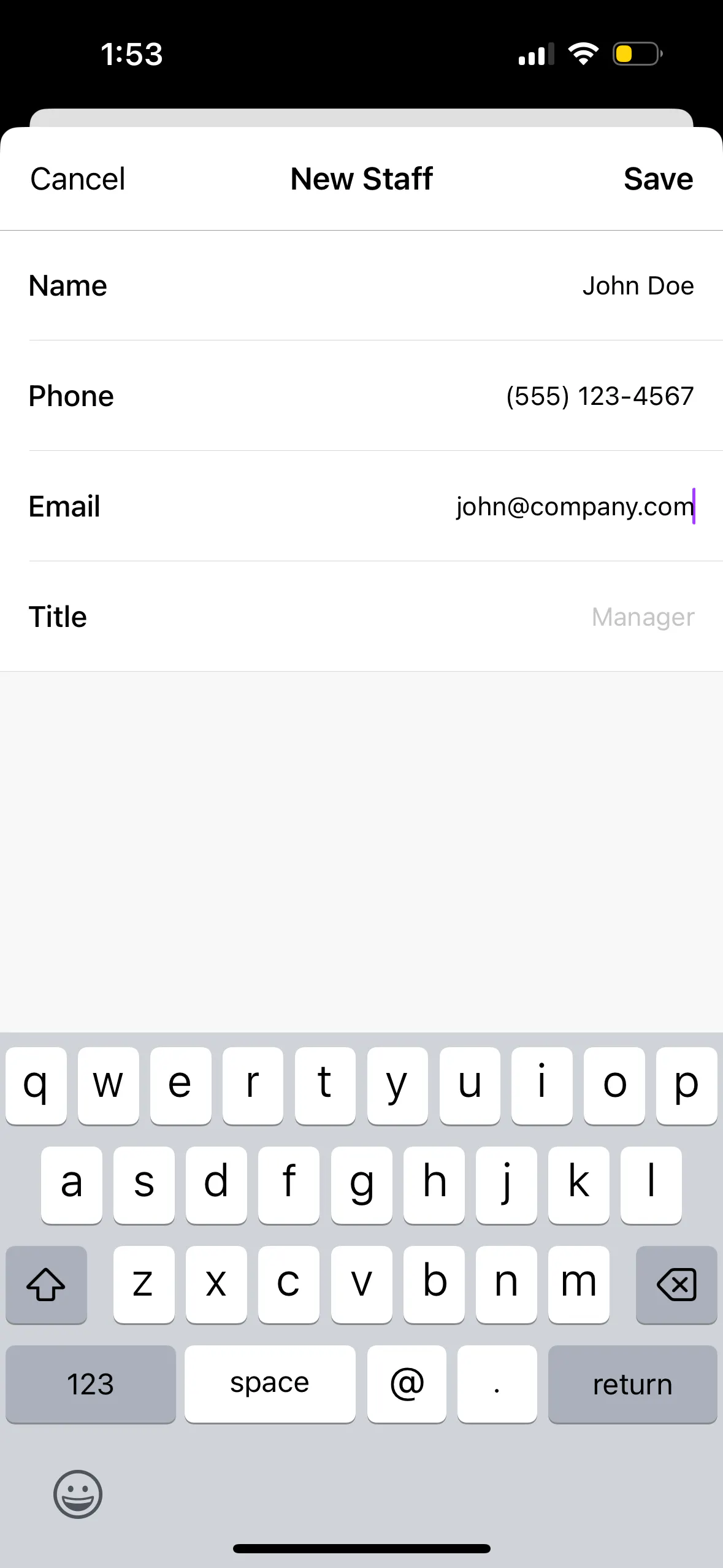
To add a staff member through the TablelistPro mobile app, open the sidebar, tap Team, tap Staff, then tap the plus sign in the top right.
Enter a Name, Phone, Email, and Title (optional), then press Save.
They'll receive an email to set their password.
You must set their permissions before they can access the account. Head to Choosing Staff Member Permissions for details.