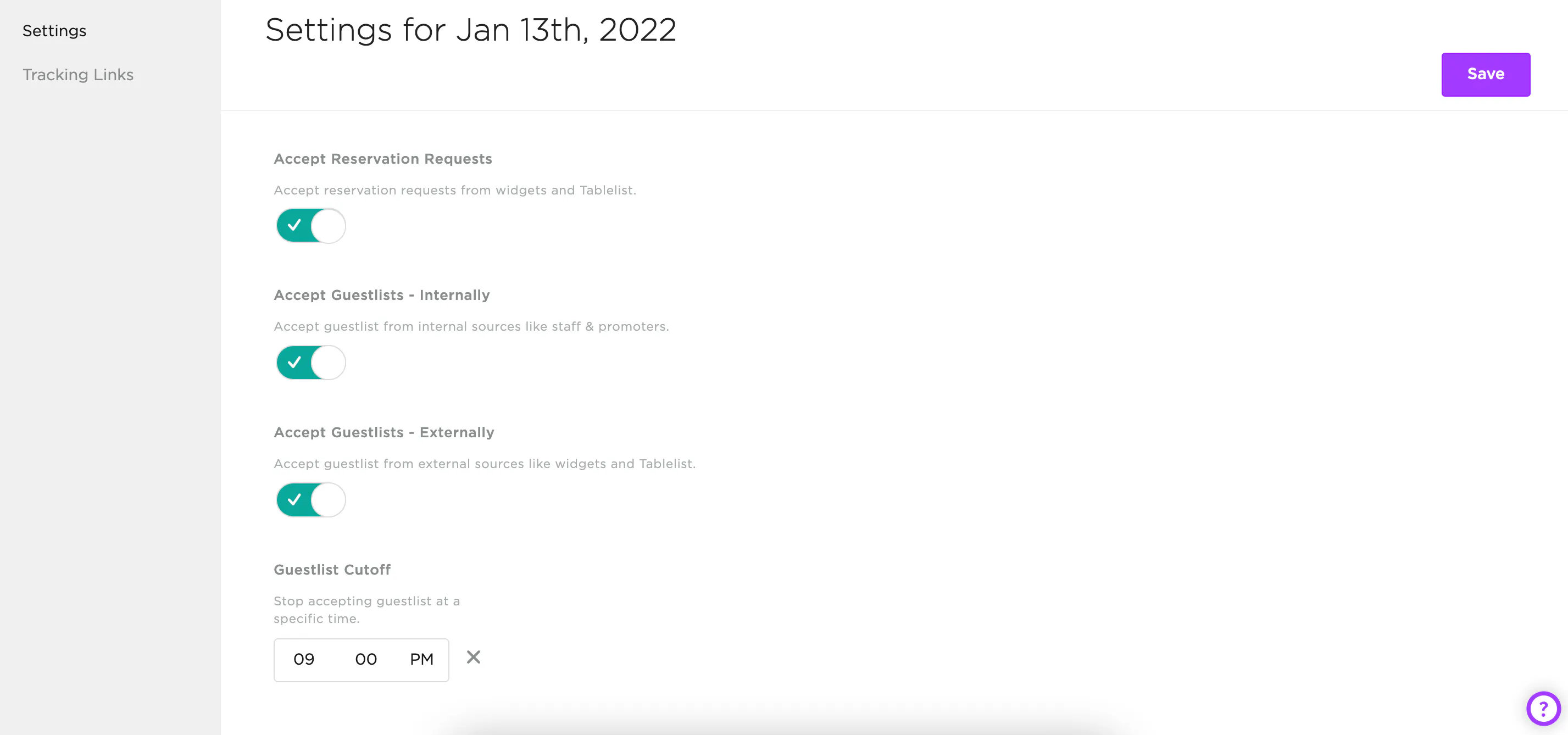
Control whether customers can submit reservation requests or add themselves to the guest list by toggling these options in your settings.
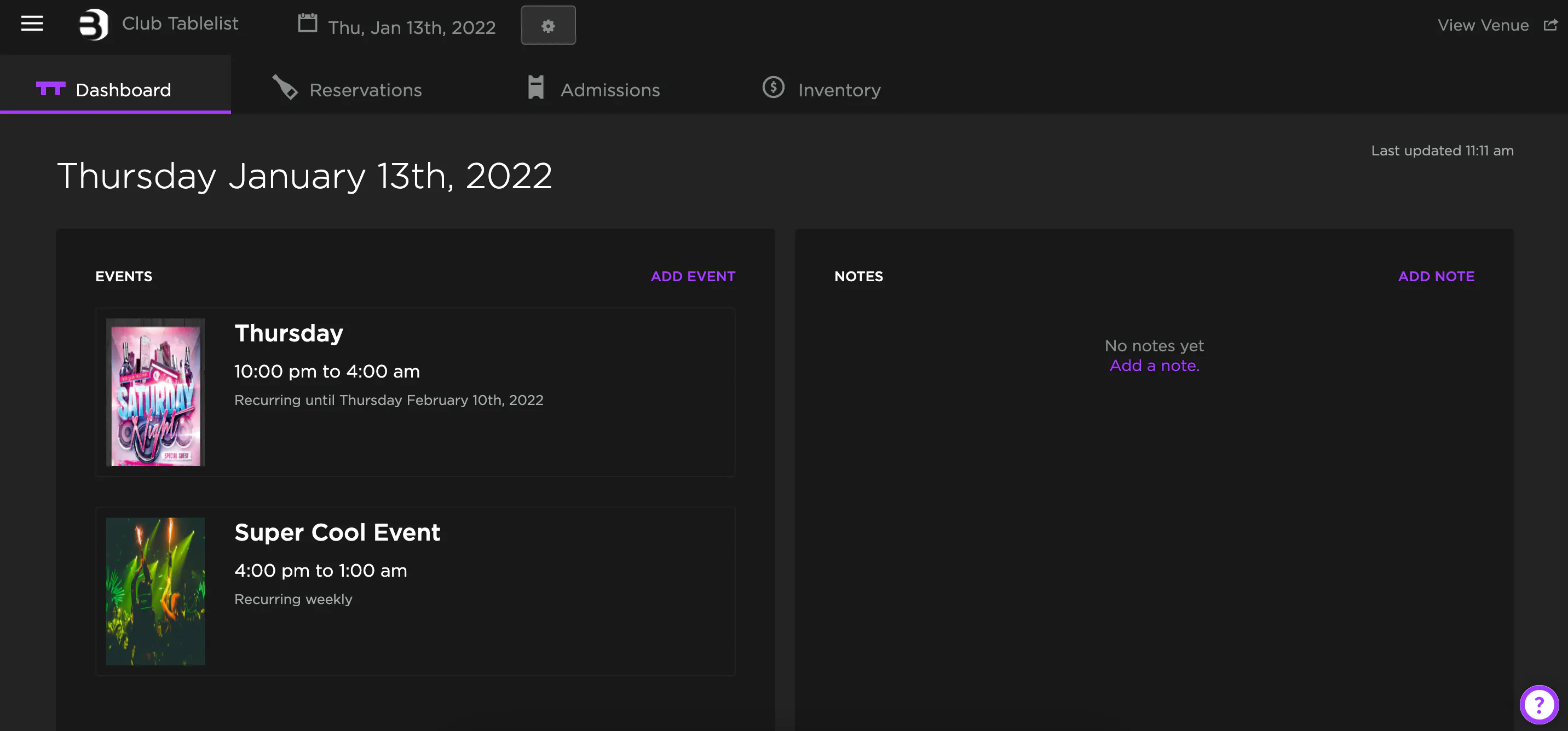
Open the sidebar, click Manage, choose the date at the top, then click the Settings icon to the right of the date.
Toggle the buttons to turn requests on or off, set a guest list cutoff time (if applicable), and press Save.