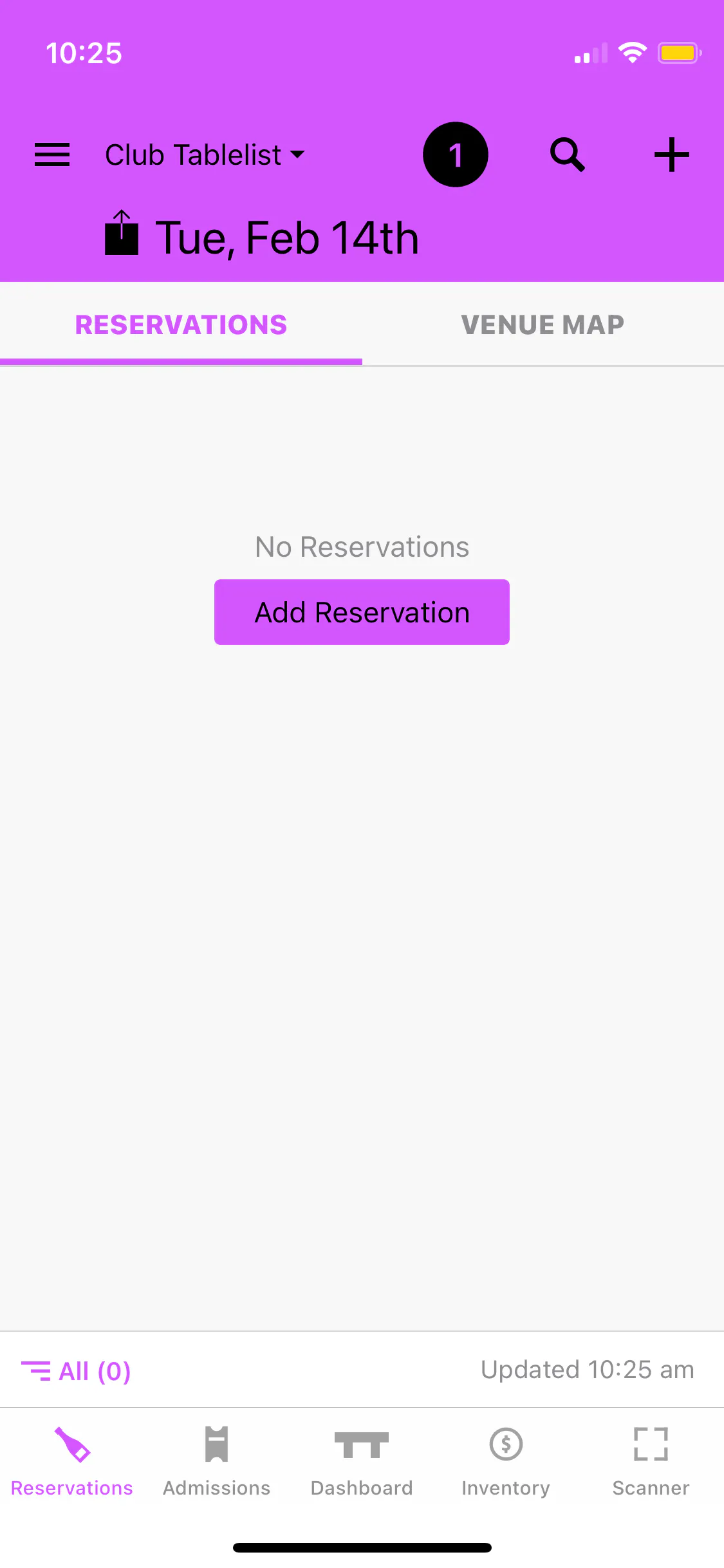
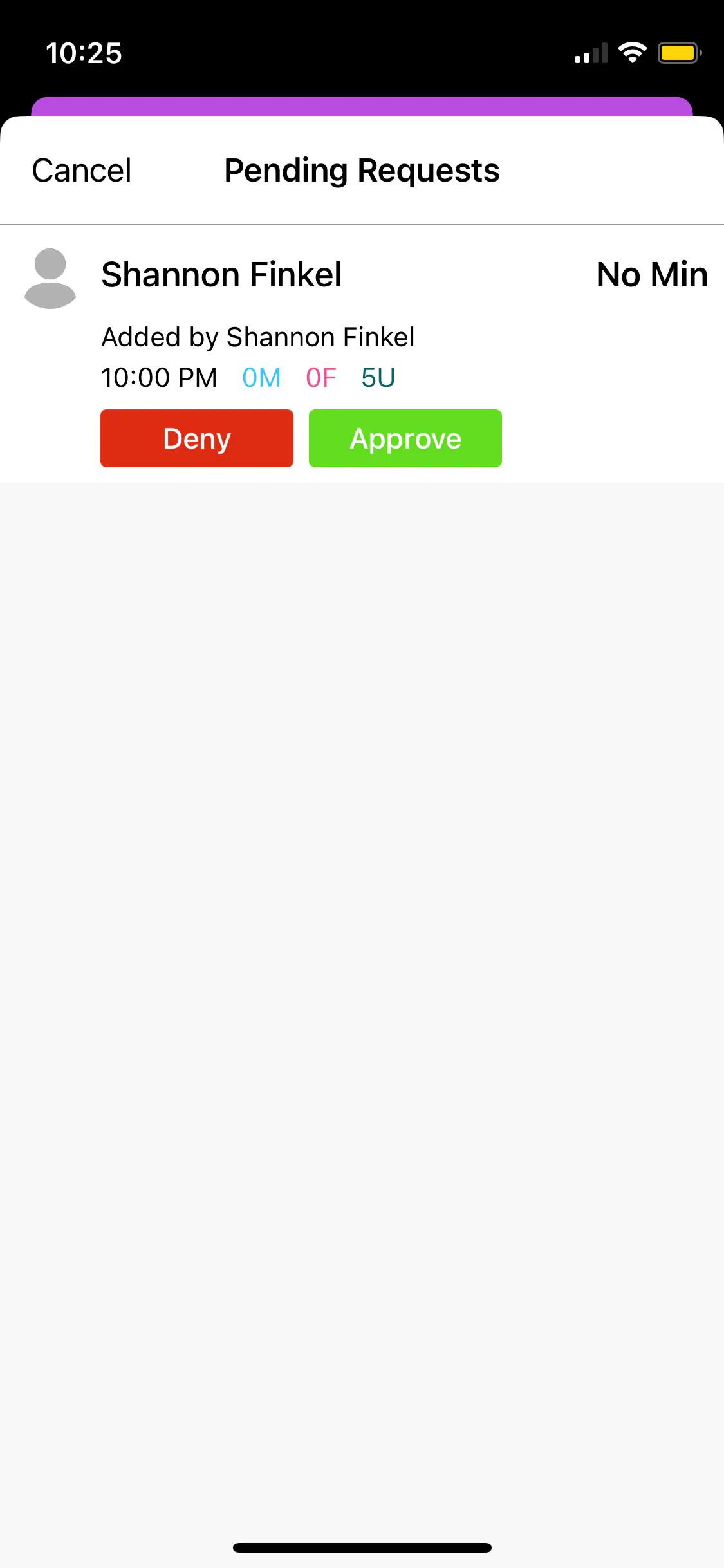
All reservation requests show up as Leads. To view inbound leads on the TablelistPro mobile app, select the date and tap the purple number icon at the top.
Once you open a lead, you can:
- Approve or deny the request
- Change the attribution, add a minimum, record notes, etc.
- Generate a payment link
- Assign the customer to a VIP table
After you approve or deny, the lead gets removed from the Leads tab.