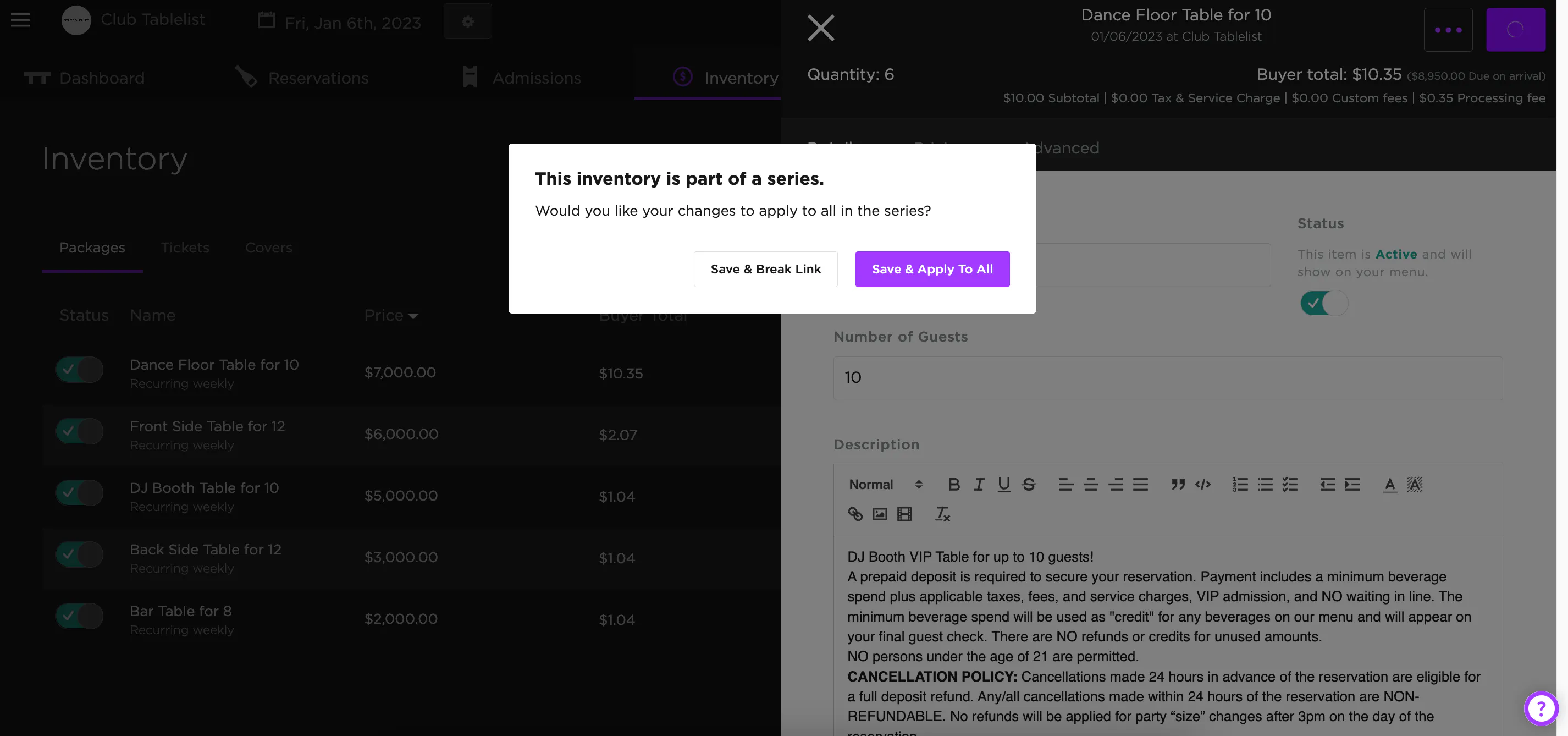
VIP Tables are referred to as Packages on the TablelistPro dashboard.
To edit a VIP table on a specific date without affecting the rest of your recurring inventory, open the sidebar, click Inventory, and choose the date at the top.
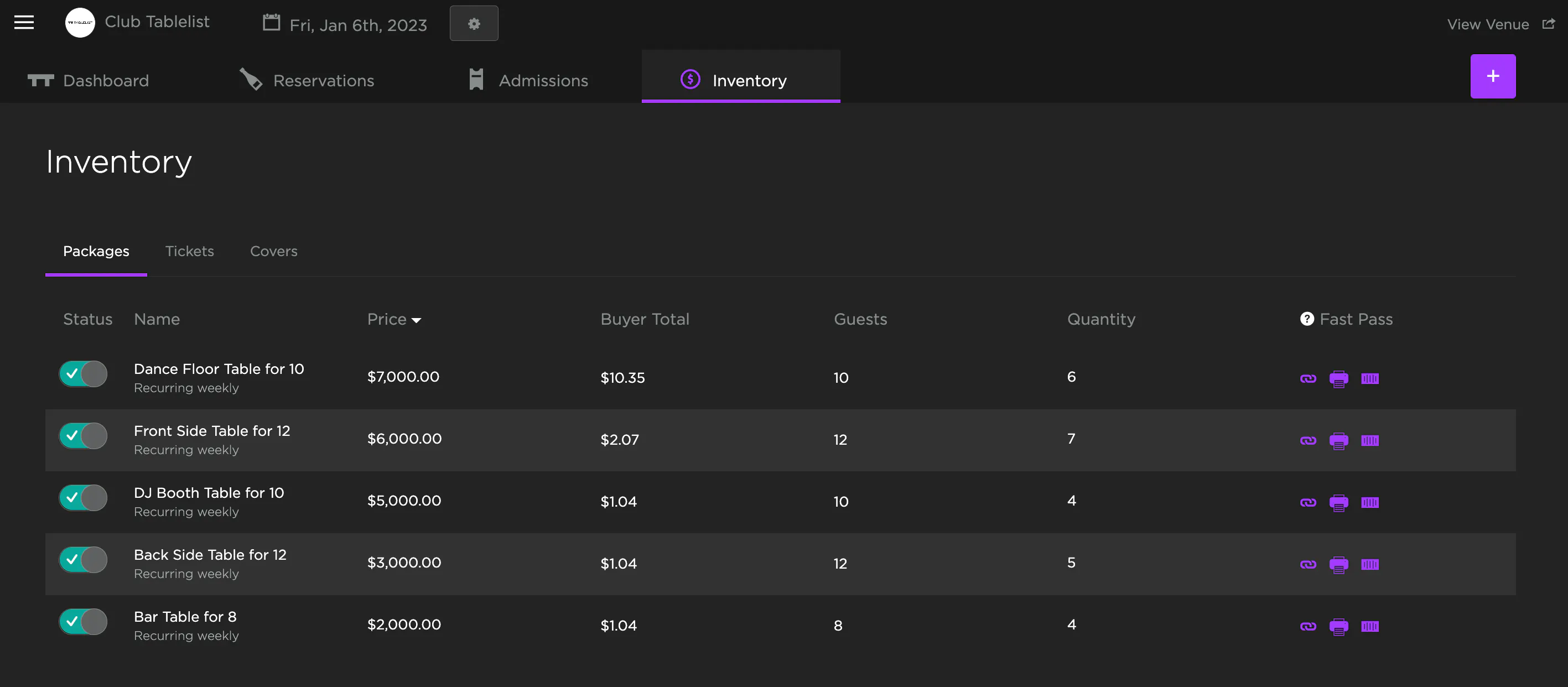
Click the inventory item to open it, make your changes, and press Save.
Then press Save & Break Link -- this applies the change to just that day.
This is the key step. Save & Break Link won't affect future inventory, while Save & Apply To All will apply the changes to all recurring inventory tied to that day.