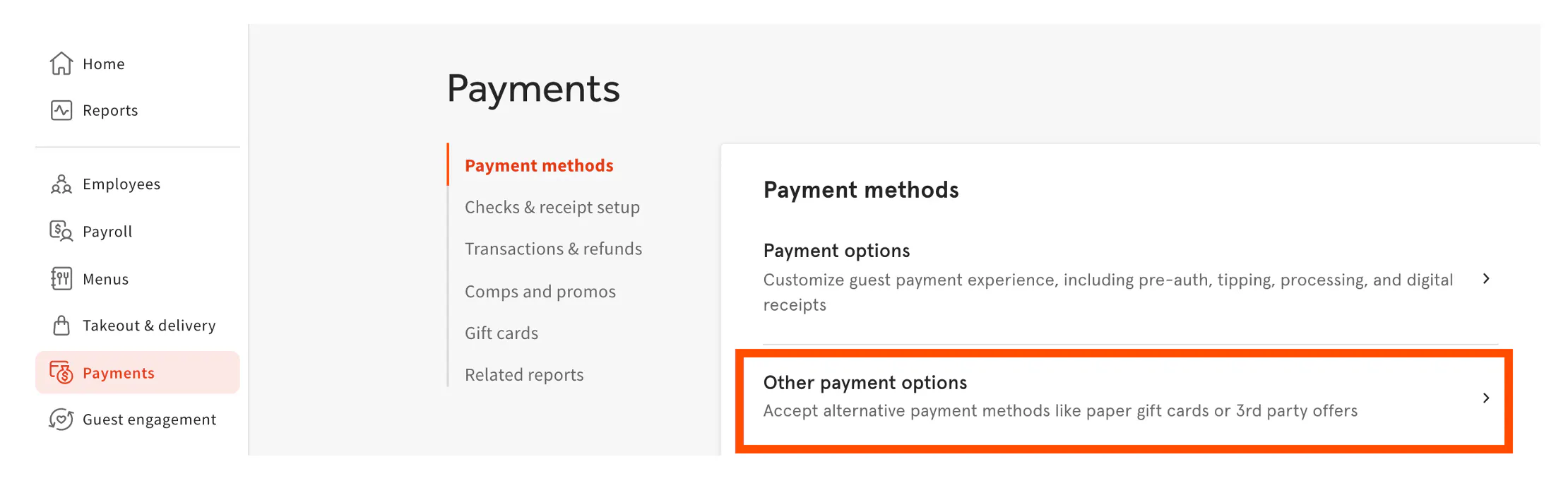
- In Toast's back-end, select Payments, Payment Methods, then Other Payment Options using the navigation on the left.
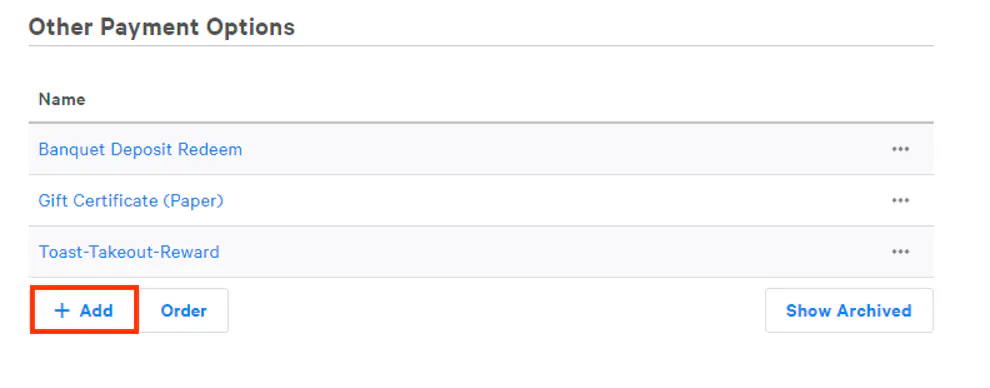
- Select + Add to create a new payment option.
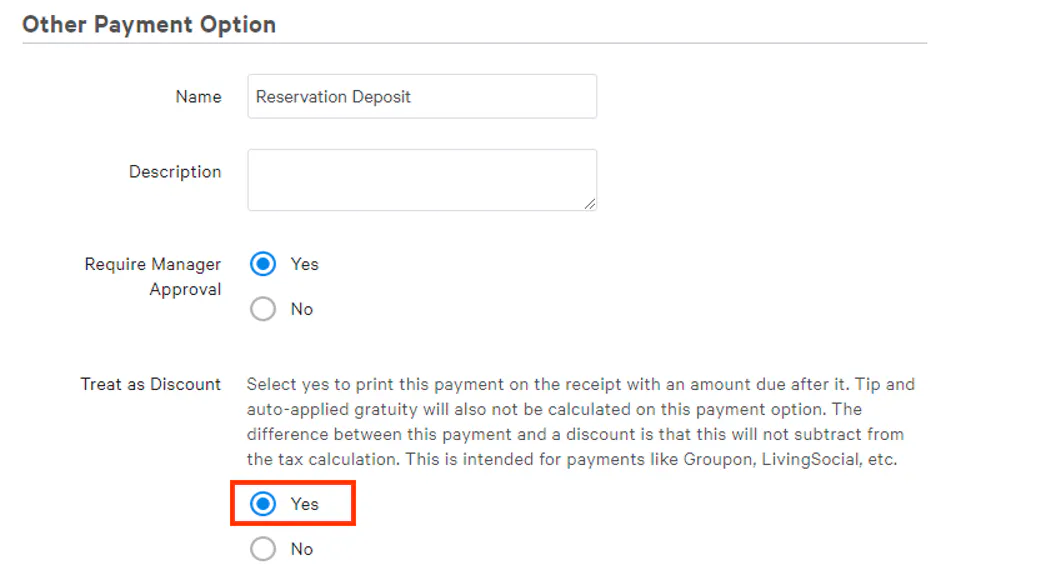
- Enter a name and description if needed. Under Treat as Discount, select Yes.
- When finished, select Save and Publish Now to finalize your changes.