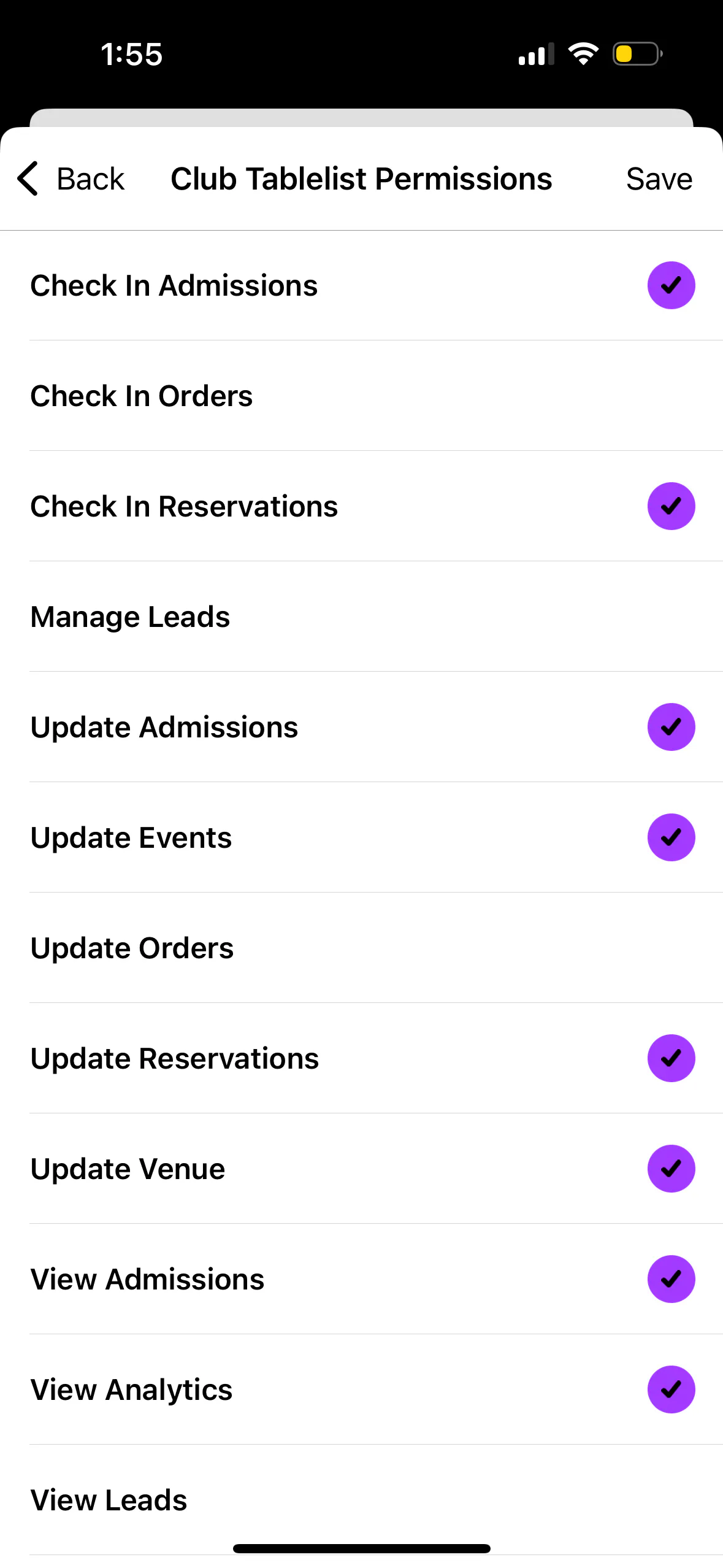
Control what your staff members can see and do in TablelistPro with permissions.
To set permissions on the mobile app, open the sidebar, tap Team, tap Staff, then tap the staff member's name.
Tap Organization Permissions and/or Venue Permissions, check the permissions you want, then press Save.